Ok, Before anyone says anything, I received a package in the post this morning that I’ve been waiting for for quite some time from Wrap-it-Solutions. No, they’re not sponsoring this – they just sent me the kit – no conditions.
DHL Gripe
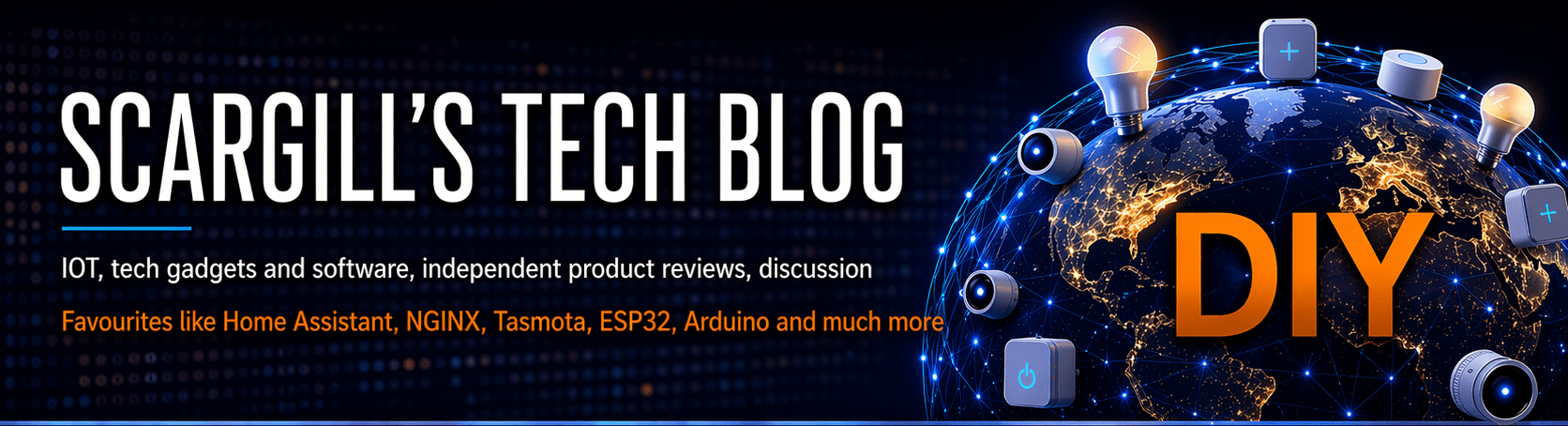
Jump straight to “The gear…” if you don’t want to read my “DHL gripe”. This has been drawn out because DHL – being the new world transport police, delivered locally last week – but would not hand over the package until I paid duty. Explaining that I didn’t pay anything did me no good – so figuring I could get the duty back from the company, I offered to pay the delivery driver (Radicourier doing the “last mile”) by debit card there and then. “Sorry I can’t take cards”. I checked and he definitely had my package – but no – I didn’t have 45 euros cash with me (I’ve NO idea at this point why customs would be so high – see lead image). A delivery driver insisting on CASH – REALLY??
So off he went with my package back to base. I rang DHL and asked why I had to pay customs on a free sample. They had nothing but excuses. They offered to get the package back to me if I paid online. I paid immediately – “instant transfer” – mid-Friday afternoon and contacted DHL – now they had my money they were in no rush to help. I heard nothing back from that point until and including this morning (Tuesday September 22, 2026) – however mid-morning I popped into the local delivery point in town – and there it was.
Update – and take note I missed the main device “Wrappa” from the headline image – included below. The whole package would normally cost 99 Euros minus the little ultrasonic sensor and BME280 – plus that additional charge from DHL (depending on where you live of course) apparently covers insurance, import taxes and duties. I asked and Rohan from Wrapit-solutions commented back “It’s a wonder anyone imports stuff. Governments are making a fortune from cross border trade.” and I agree with him 100%. Shocking. Now if Spain could make this stuff themselves competitively – I might see some logic but they can’t and they don’t.
OH and 20 Euros of that charge is, it seems, nothing more than DHL processing – for WHAT?
The gear and where it comes from
And here it is – all the way to sunny Spain from Wrapit-Solutions in Bali, Indonesia. Testing happens in Jakarta, Indonesia. Manufacturing in China of course. What I don’t know about Jakarta would fill several books. I’ve spoken to Rohan and Steve and I’m really quite excited that someone in their part of the world actually reads my blog.
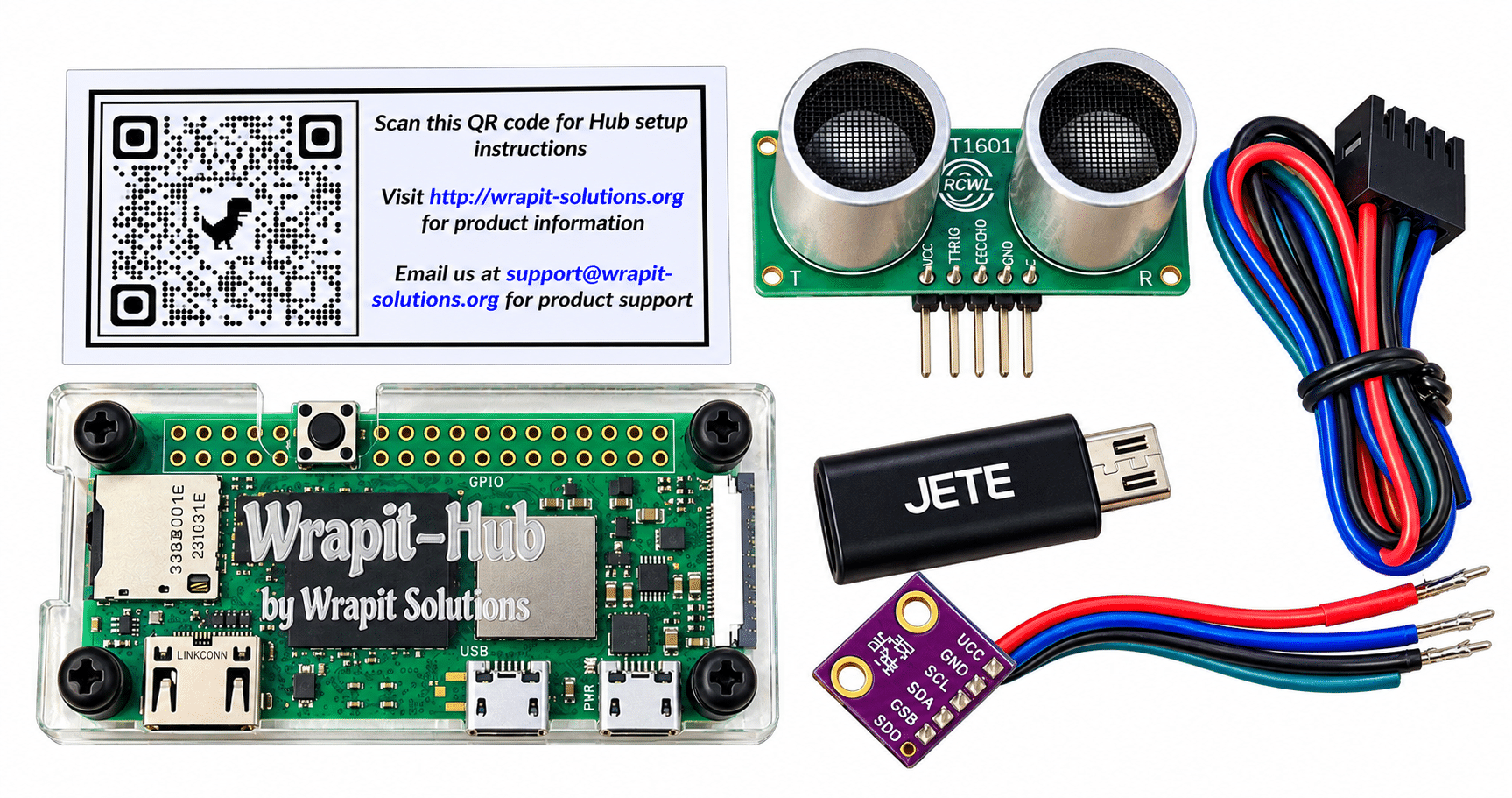
After all that, what I appear to have is a Raspberry Pi Zero 2 W, about which I also know very little, despite knowing a lot about the original Raspberry Pi W and similar – and having started my IoT blogging with the Arduino boards and Raspberry Pi 2 all the way through to Raspberry Pi 5 before moving to mini-computers (and of course ESP8266 and ESP32 – more on that elsewhere in the blog – I just got a bunch of ESP32-C5 devices – why? 5Ghz WiFi that’s why). So, a Raspberry Pi Zero 2 W in a very pretty perspex case, I also got a couple of genuine Raspberry Pi power supplies, a USB-C to micro USB adapter, one of those four-pin ultrasonic sensors, a handy lead, and a BME280 temperature, humidity and (I think) pressure sensor.
I received a little piece of paper with links to hub setup instructions, an email support, and a QR code. I’m not going to go through all the unpacking… you’ve seen that all before. Suffice it to say everything was WELL packed with a minimum of plastic.
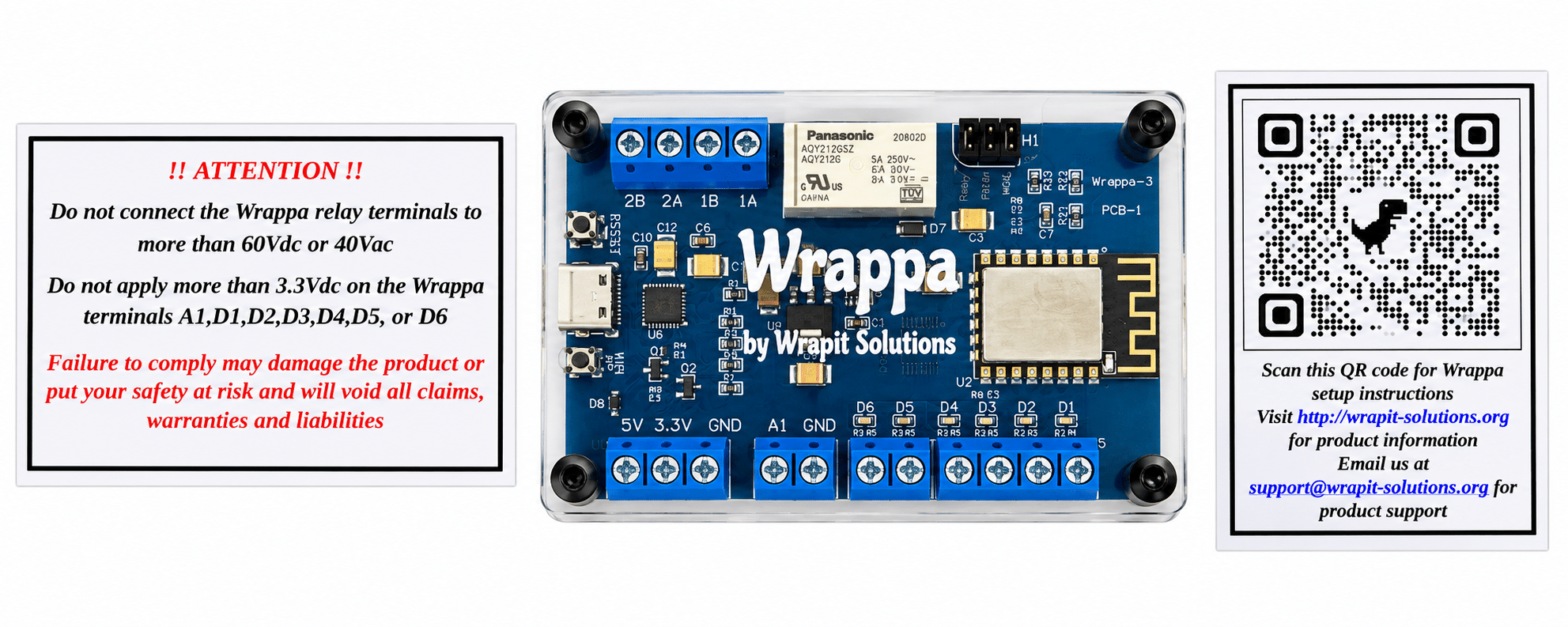
HOLD THE PHONE… I nearly forgot the star of the show: the Wrappa by Wrapit-Solutions, a neat ESP12F, i.e. ESP8266 control board with lots of terminals.This should look familiar to me as years ago I designed something like this – I don’t do PCBs these days as my office is a tad small for that. Anyway, let’s not jump ahead because I don’t yet really know what this board does. Lets have a look..
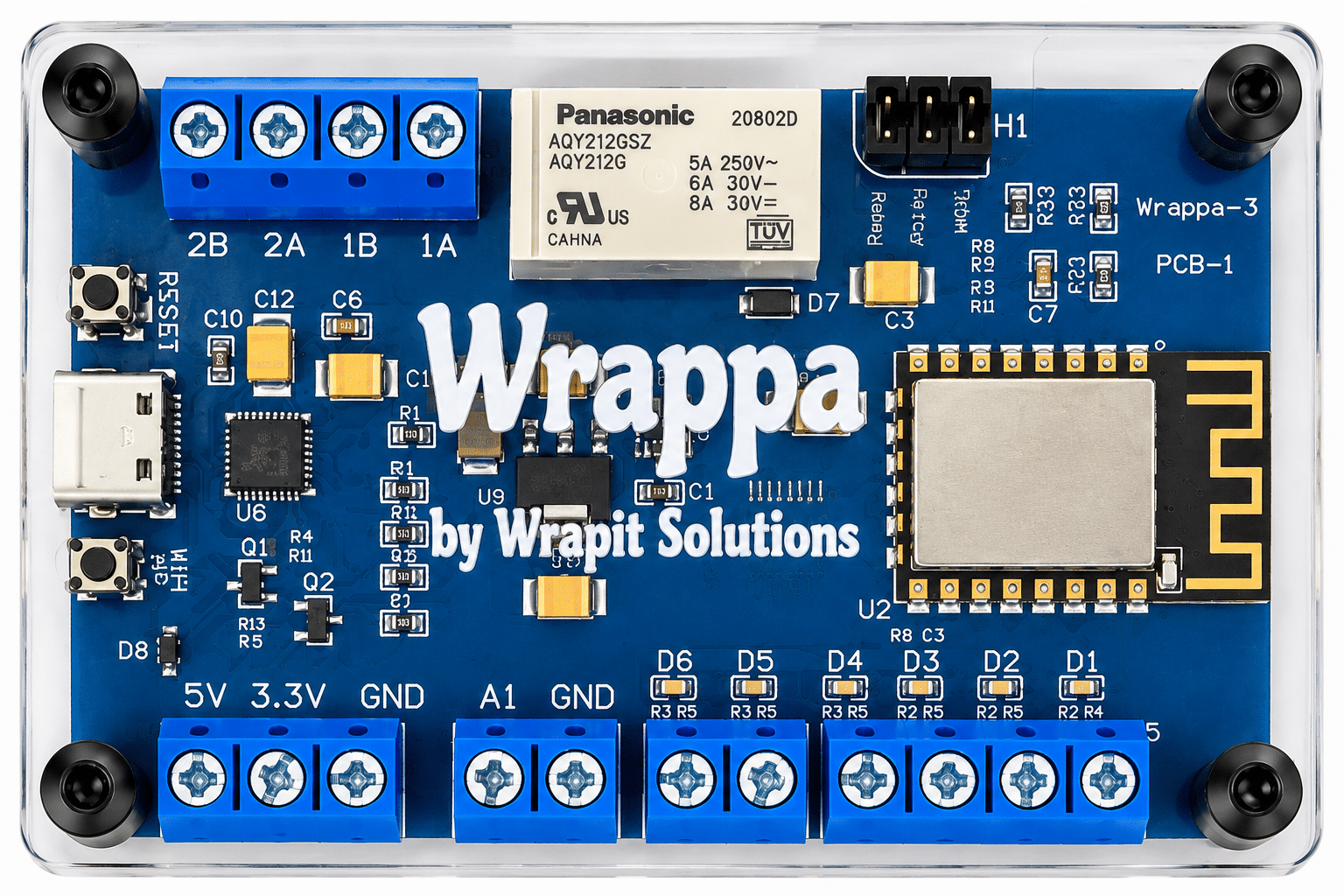
Crumbs – this brings back memories – any regular blog readers remember the image below? – I made the little ESP8266 board below – a long time ago and resurrected it in 2025 as a broadband tester with extras – but I’m going off on a tangent. I’ll stop now.
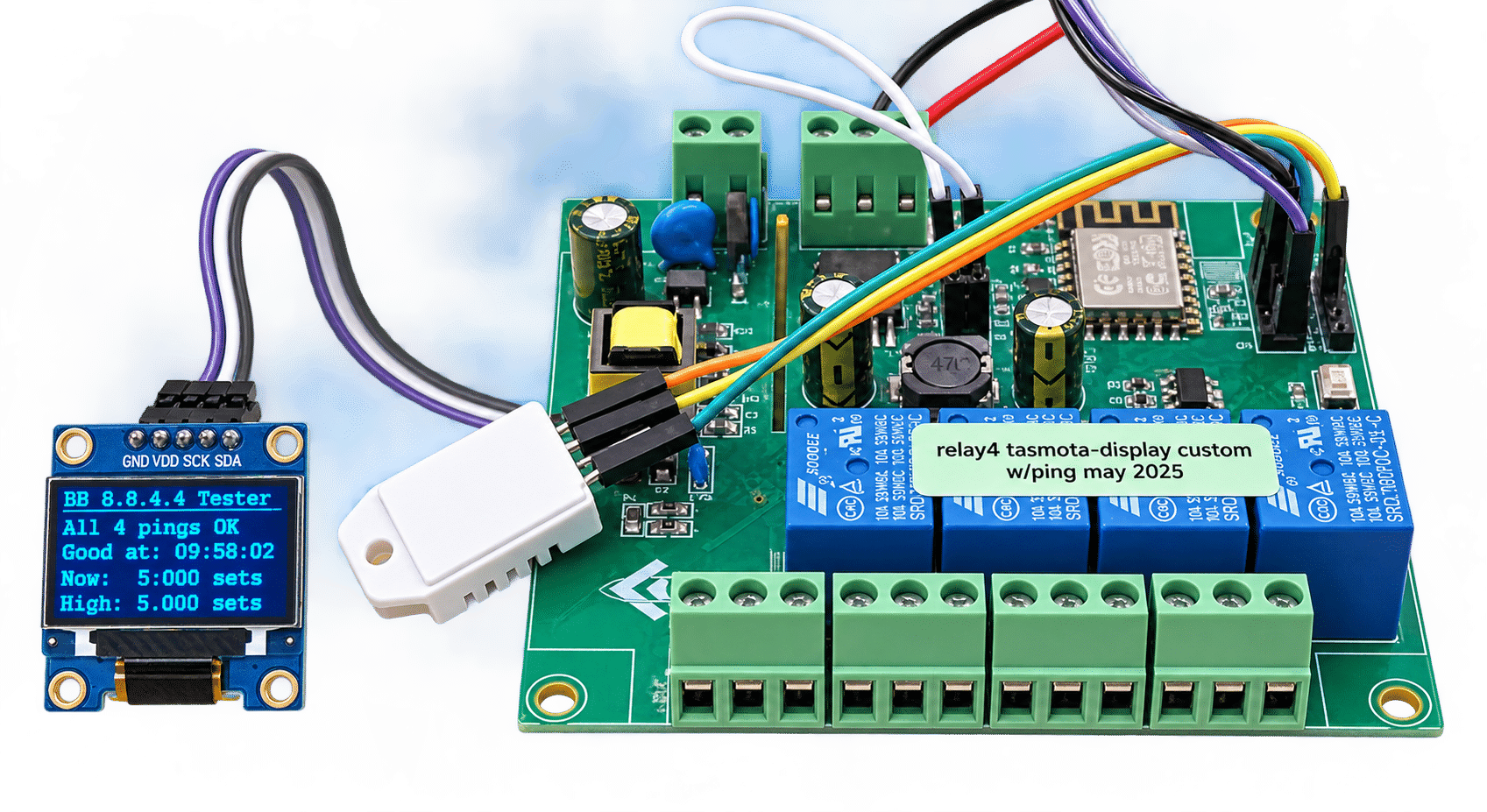
Sorry about the wording on the Wrappa board image above -I had ChatGPT remove my desk and sometimes (like me) it goes off on tangents. The wording below the top right links say “relay” , “filter” and “WDE” respectively. To be fair the perspex cover probably didn’t help visibility. Oddly the relay maximum AC voltage is 60v for global certifications reasons – never stopped the Chinese – mine’s going to have a 230v light attached when I start playing – it says 250v on top of the relay.
For now as this is getting long, rather than keep you hanging about while I learn, there are instructions in the images above for setup. I’m excited to have a new general purpose board to play with and as for the Wrapit-Hub (OOOH it came with a 32GB Sandisk microSD – I didn’t spot that earlier)… that sounds interesting – and 2 decent power supplies to boot all in the box.
More later but have a look at Wrapit’s website – in time I’ll be doing just that.
Day 2
Being me, I could not even wait to go off to the website for instructions, so I plugged the WRAPPA board into USB-C on my PC and messed with my phone’s WIFI settings – it came up with “wrapit aa:bb:cc:dd:ee:ff” (in fact it showed the MAC address of the board instead of aa:bb: etc). As I was hoping, selecting then clicking on that SSID and selecting “manage router” took me straight into a page for giving the unit an SSID and password on my network. Ss a name – I figured WRAPPA would do for starters as I only have the one board. It turns out the address of that router was 192.168.4.2 – reminiscent of setting up Tasmota and so setting up the SSID and pass on my network was well familiar to me. Howevre, once set up, one of these got me anywhere in a browser on my PC… http://wrappa http://wrappa.lan http://wrappa.local
So I went hunting around on my router for any unknown or simply ESPRESSIF devices – nothing – at least no web pages on port 80. Time to go online and read the instructions… took me to this setup video – so easy I’m not going to re-invent the wheel – but just give you the link – In fact I had successfully added the WRAPPA board to my network.
Next I decided to do the same setup with the hub – and though the base address was different at 10.0.0.1 – adding the little Raspberry Pi Zero 2 W board to my network was just as easy – and once up – the hub already knew about the WRAPPA board but here’s the thing – the setup was done at 192.168.x.x:8080/ui – does this sound familiar? Yes they have NODE-RED and it’s UI running on this tiny Raspberry Pi Zero 2 W.
To be continued…