Back in March I wrote about the then-new SwitchBot 13.3-inch AI Art Frame. I had quite a lot of fun with that device, and it proved to be an interesting addition to the house. The ability to display photographs and turn them into paintings, without having to worry about the power consumption of a conventional screen, was rather appealing.
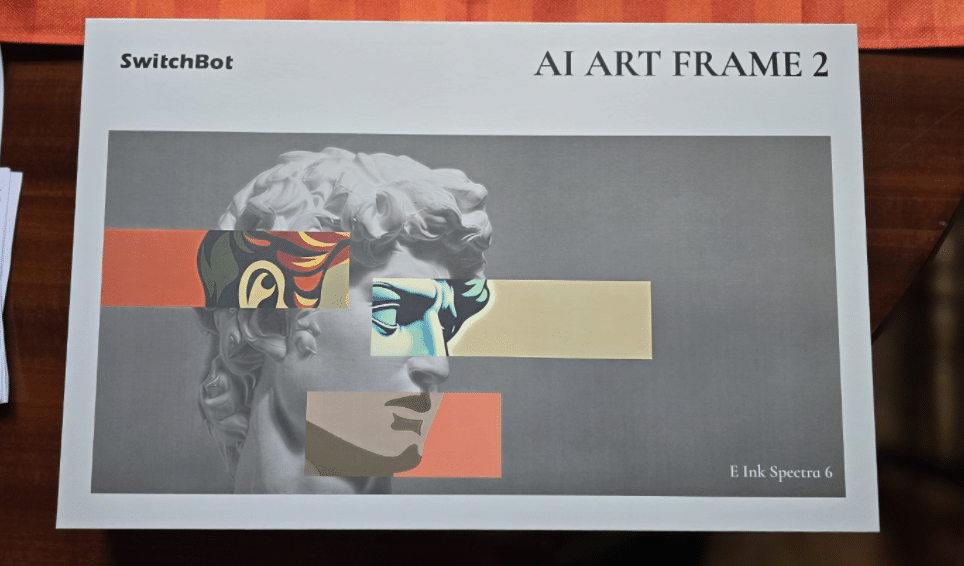
Now SwitchBot have come up with the Art Frame 2, and I’ve got one sitting in front of me. So, what’s changed, and is it actually an improvement?
Let’s have a look…
First impressions
The first thing you notice is that the new frame is considerably smaller overall than the original. It has a dark wood-effect surround which gives it a rather attractive appearance.
I’ve measured the visible image area at approximately 263 x 180mm, with the complete frame measuring around 333 x 266mm.
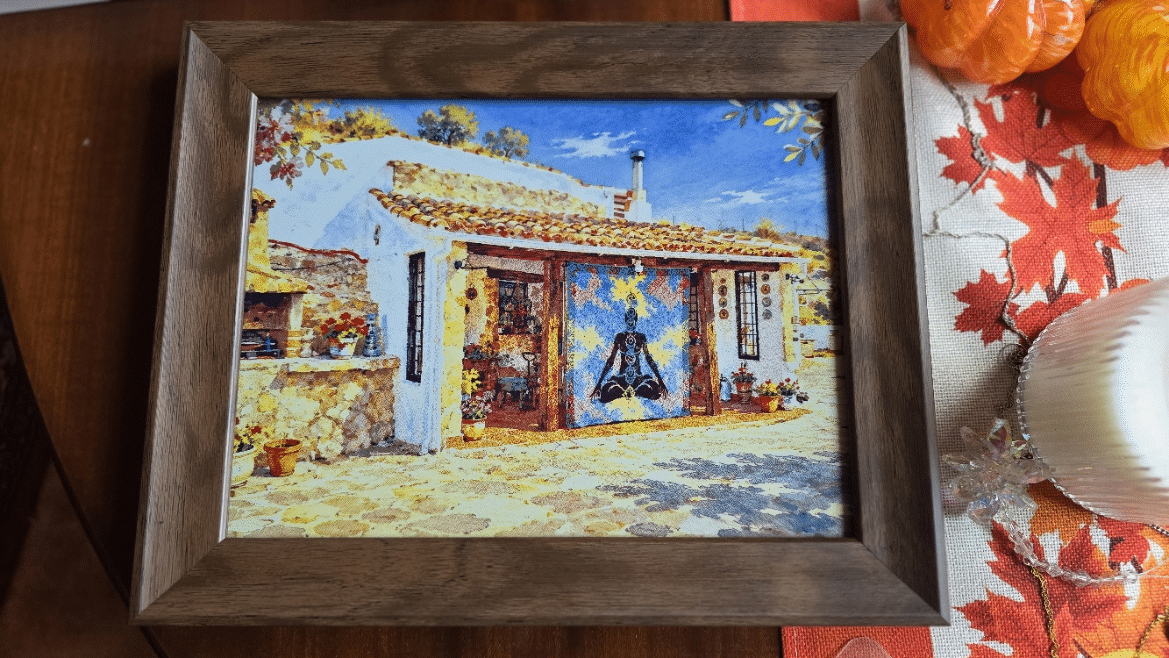
It is worth pointing out that although the overall frame is noticeably smaller, the actual reduction in picture area is relatively modest. In other words, you’re not losing nearly as much display area as the external dimensions might suggest.
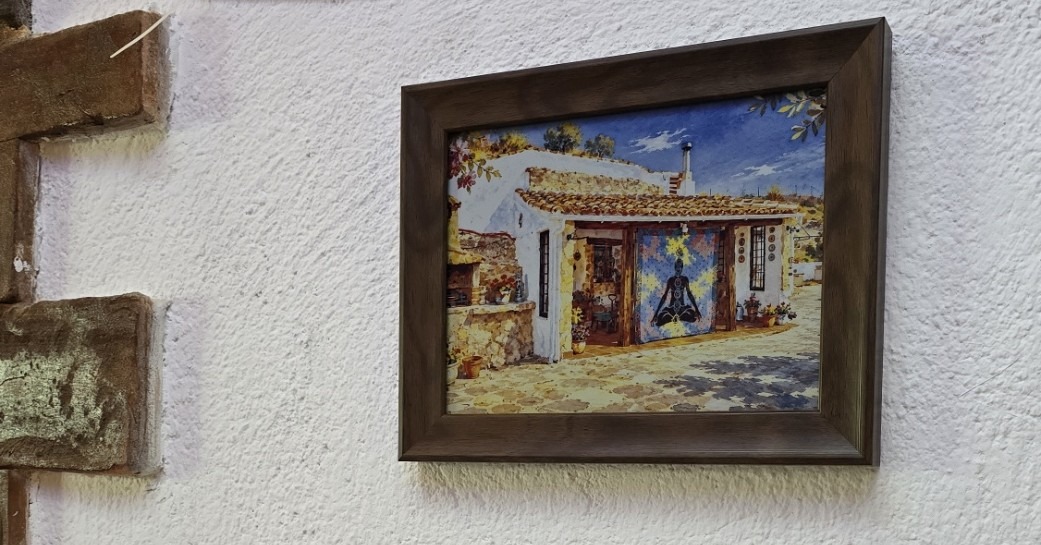
oh, yes – that’s an AI watercolour of our new cave-home – running on the Artframe 2.
The new unit can still be mounted horizontally or vertically, just like its predecessor, so replacing an existing installation should be straightforward (actually, it is as I’ve just done it. Dropped straight into the original wall fitting).
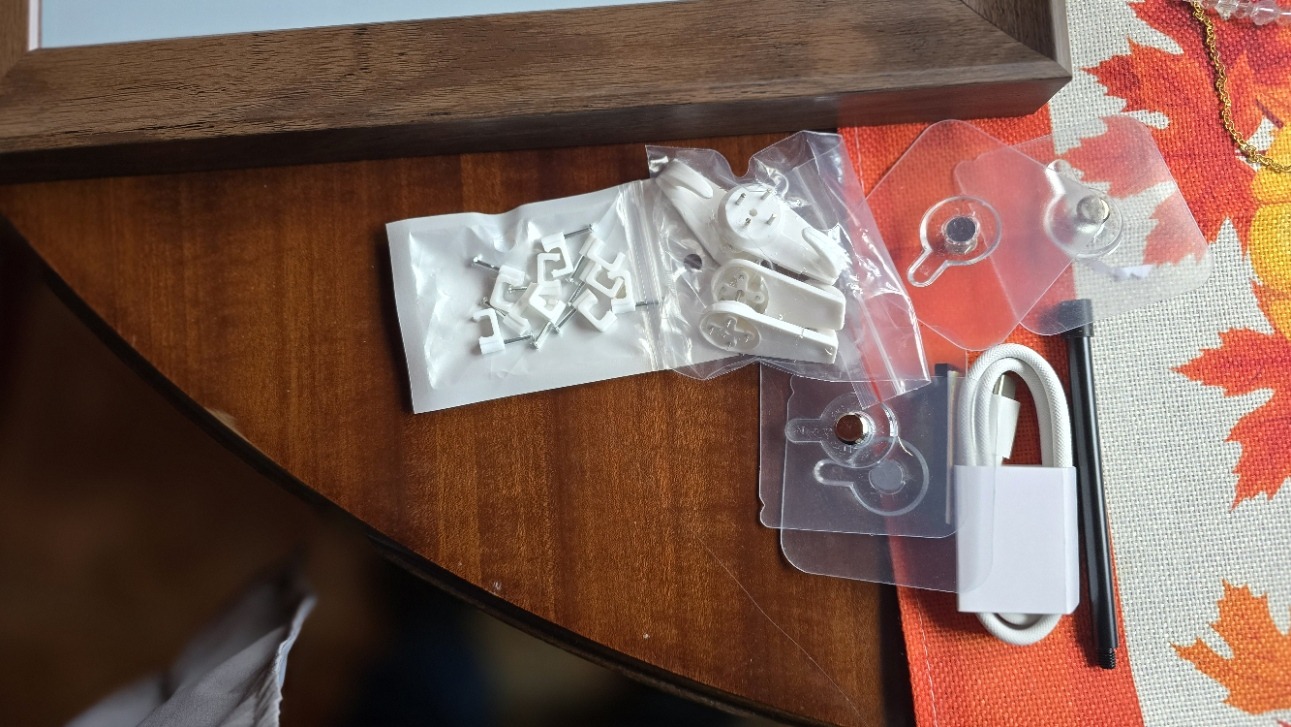
There is also a change to the desk-mounting arrangement. The original had what I thought was a rather flimsy-looking folding card arrangement on the back. The Art Frame 2 instead has a screw-in support pole, which looks a much more substantial solution. My wife prefers the new model as it lacks the large white border of the original and the wood-effect frame is nicer (subjective of course).
The display
My initial impression was that the picture looked sharper than on the original 13.3-inch model. I should qualify that, however, because this is a subjective observation rather than a measured comparison.
Looking at the two generations, the new display also appears marginally more vibrant, although the difference is not dramatic. The apparent resolution looks much the same to my eyes.
The image refresh time also appears similar to the original. This is not a conventional LCD screen, of course, and changing the displayed artwork involves the familiar flashing and screen-refresh process associated with this type of electronic display.
Overall, I would describe the picture quality as a modest improvement rather than a major leap forward.
The SwitchBot app
One pleasant discovery is that SwitchBot haven’t made me learn an entirely new application. The interface looks much the same as before, and uploading photographs works in exactly the same way.
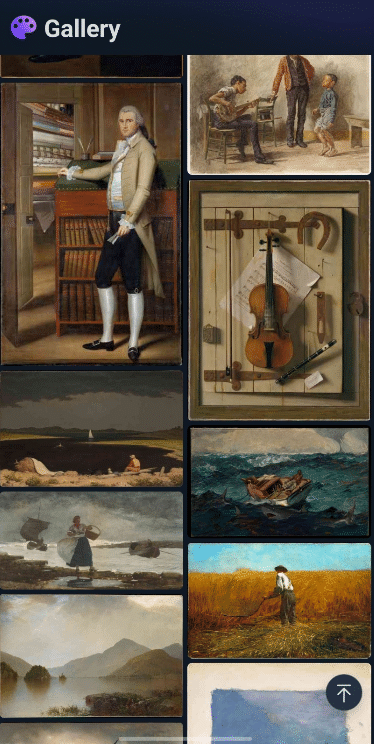
The frame can store multiple images, and I couldn’t immediately detect any difference in upload speed. The initial image refresh time also seems much the same. The app says that up to 500 images can be stored in the cloud. I could not immediately see how many can be stored in the frame.
In short, if you’ve used the original Art Frame, you’ll feel right at home. If not, it’s still easy to use.
One thing I did notice while experimenting was that using the physical function button to cycle through artwork doesn’t necessarily update the image currently shown in the SwitchBot app. After cycling through several paintings, the app was still showing my original uploaded image.
A rather nice new feature – changing pictures without your phone!
There are a couple of ways to change the displayed artwork without having to reach for your phone.
The first is the physical function button on the rear of the frame. Pressing it produces a satisfying beep and starts an image change.
You can configure the frame to cycle through supplied artwork or through your own uploaded image library.
I spent some time pressing the button and watching the results. There were some rather ugly watercolour paintings, but also some surprisingly attractive examples, including a dark oil painting and a particularly nice Roman-style oil painting.
The quality and style of the supplied artwork varies considerably, so it’s a bit of a lucky dip!
But there’s another trick which I particularly like.
You can triple-tap the front of the frame to change the displayed picture. This is a nice touch because you can change the artwork hanging on your wall without getting your phone out, opening the app and navigating through your photographs.
It’s a simple feature, but one I can see myself using quite regularly.
Battery and connections
The rear of the frame has a reset button, a physical function button and a USB-C charging connection.
The SwitchBot application reports the battery level, and mine was showing approximately 75% when I checked it.
I hadn’t connected USB at all during my initial testing. The frame arrived with enough charge to get going immediately, and I’ve been changing paintings repeatedly without any indication that it needs charging.
SwitchBot make some impressive claims about battery longevity, although actual battery life is something that will take considerably longer to establish. I imaging having the ability to respond to frame-tapping will use up some battery – remember – the point of these displays is they run for months on a charge (not using power while displaying a static image) – no constantly plugging in to use.
AI artwork – Do I need another subscription?
SwitchBot also offers voice-to-image functionality, but this, like the AI gallery, requires a subscription.
Personally, I’m going to give that a miss.
One of the things I enjoyed about the original Art Frame was being able to create images using ChatGPT, turn photographs of the house and surroundings into paintings, and then upload the results. I can do the same with Art Frame 2.
For example, I started my Art Frame 2 testing with one of my own photographs of the house, which I’d previously processed through ChatGPT into water-colour. The result look rather nice.
I don’t particularly want another monthly subscription simply to generate artwork when I can already do much of what I need elsewhere.
So, what’s actually improved?
Having spent some time with the new frame, my initial impressions are positive.
The overall unit is smaller, but the actual picture area has reduced relatively little. The dark wood-effect surround looks attractive, and the new screw-in desk support is a welcome improvement over the rather flimsy folding card arrangement on the original.
Image quality appears marginally better, with slightly more vibrant colours and perhaps a sharper appearance, although I wouldn’t claim a major resolution improvement.
The application remains familiar, image uploading works as before, and refresh times appear much the same.
The ability to cycle through your own photographs or SwitchBot’s supplied artwork using the rear button or a simple triple-tap is particularly welcome.
I’m still experimenting, so this is very much an initial hands-on review rather than a long-term assessment. Battery life, reliability and how the frame behaves over several weeks are things I’ll have to report on later.
For now, though, it’s a rather attractive little piece of electronic artwork, and I’m looking forward to seeing what else I can do with it.