Another box that arrived for me this week contains a lot more that it seemed at first sight. The Apollo Cast-1 is a fairly boring looking 3D-printed box with 1 USB-C connector, 3.5mm socket (lead provided – 4 cores inside). It also has a pair of 0.1″ connectors…
They didn’t ask me to provide this link – but it looks very handy so here it is.

The advertising blurb says “the Apollo Cast-1 plugs into your non-smart speakers, amplifiers and AV receivers with a 3.5mm cable and alows them to connect to ESPHome and Music Assistant (via SendSpin). This lets you stream music, announcements, alarms and more to your existing speakers.”
Armed with that headline (from the web), nothing came in the packaging, just the CAST-1 unit (boxed) and the 3.5mm lead. The actual shipping box says:
- Plug the device into power.
- Connect to the Apollo hotspot.
- Open a browser and go to 192.168.4.1.
- Select Wi-Fi and input the password.
- Check Home Assistant discovered devices.
And that’s it. Sure enough I plugged the device into the nearest USB supply I had handy – looking at SSIDs available on my phone I noted “Apollo Cast 1 Hotspot”. I connected the phone to that and in my phone browser (Chrome) went off to 192.168.4.1 – and nothing happened – blank white phone screen. I since then got it working by BLE but Apollo quickly informed me that 192.168.4.1/setup should work while they figure out why 192.168.4.1 doesn’t always.
I even tried again with my phone TAILSCALE turned off – I should always do that but I keep forgetting.
Next – I tried again, making sure I tried 192.168.4.1 very shortly after powering up the Cast-1. Same result. Then Google (AI version) said to try going in directly via BLE – I turned on my phone’s Bluetooth and… sure enough – added to Home Assistant…
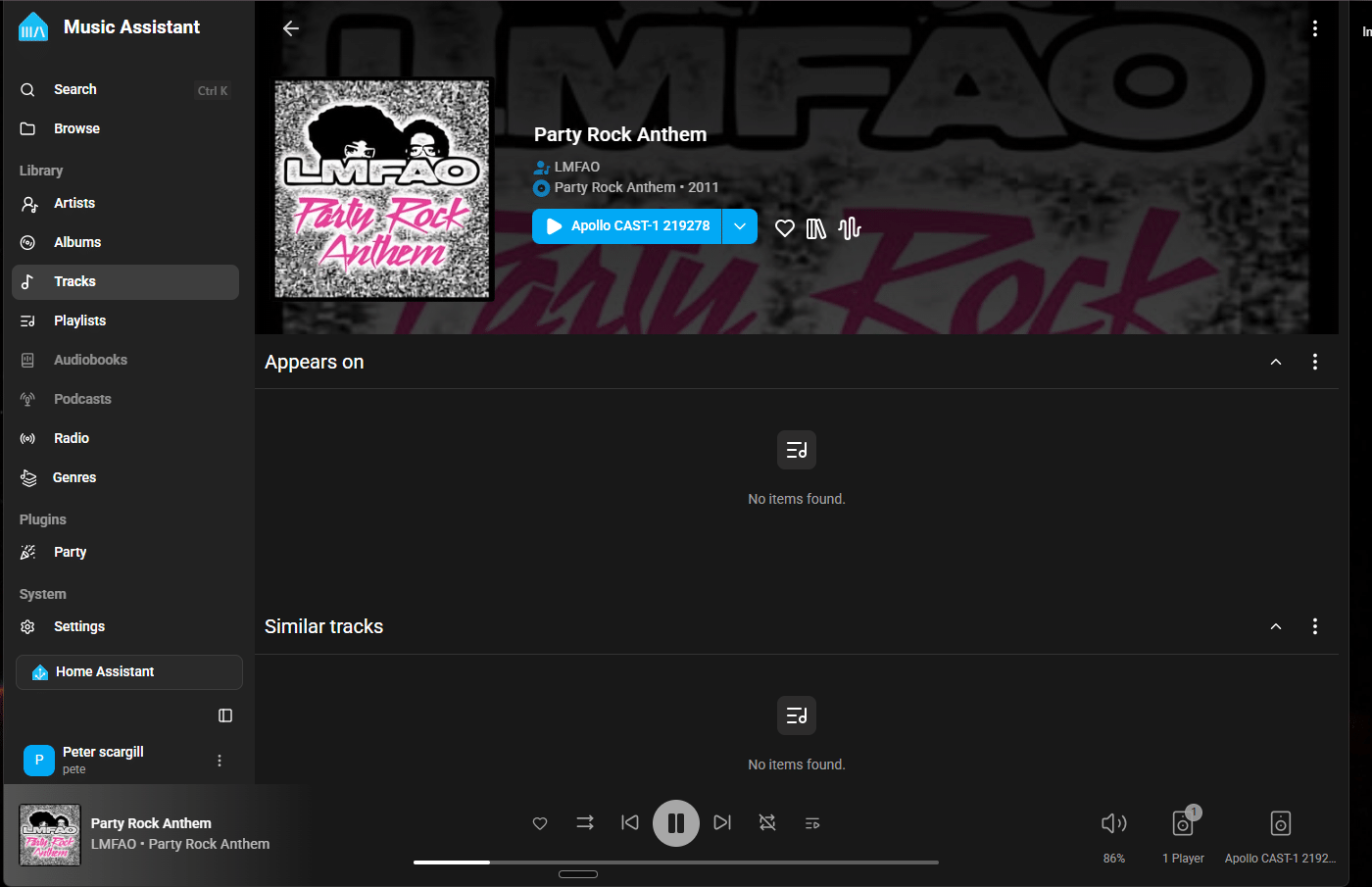
And that installed Music Assistant into Home Assistant as well. I was kind of expecting to find Music Assistant in my Home Assistant left-menu after that. No – so I went to APPS in Home Assistant, looked up Music Assistant and when that appeared, ticked the box that says “show in sidebar”. I then, via the HA sidebar went into Music Assistant which of course has no media set up initially- went looking for providers – found “radio browser” – which it turns out has a SHEDLOAD of online radio stations in every language imaginable – found one I liked – and told it to use Cast-1 which by now was plugged into one of my speakers with auxilliary inputs – and voila – radio. No Ethernet connection as the Cast-1 is running over WiFi (though it seems that optionally you can get an Ethernet version).
Simples – now to go add every source of music I can find.
OH I LOVE IT – You need one of these… all I need now is an equaliser… ChatGPT to the rescue?