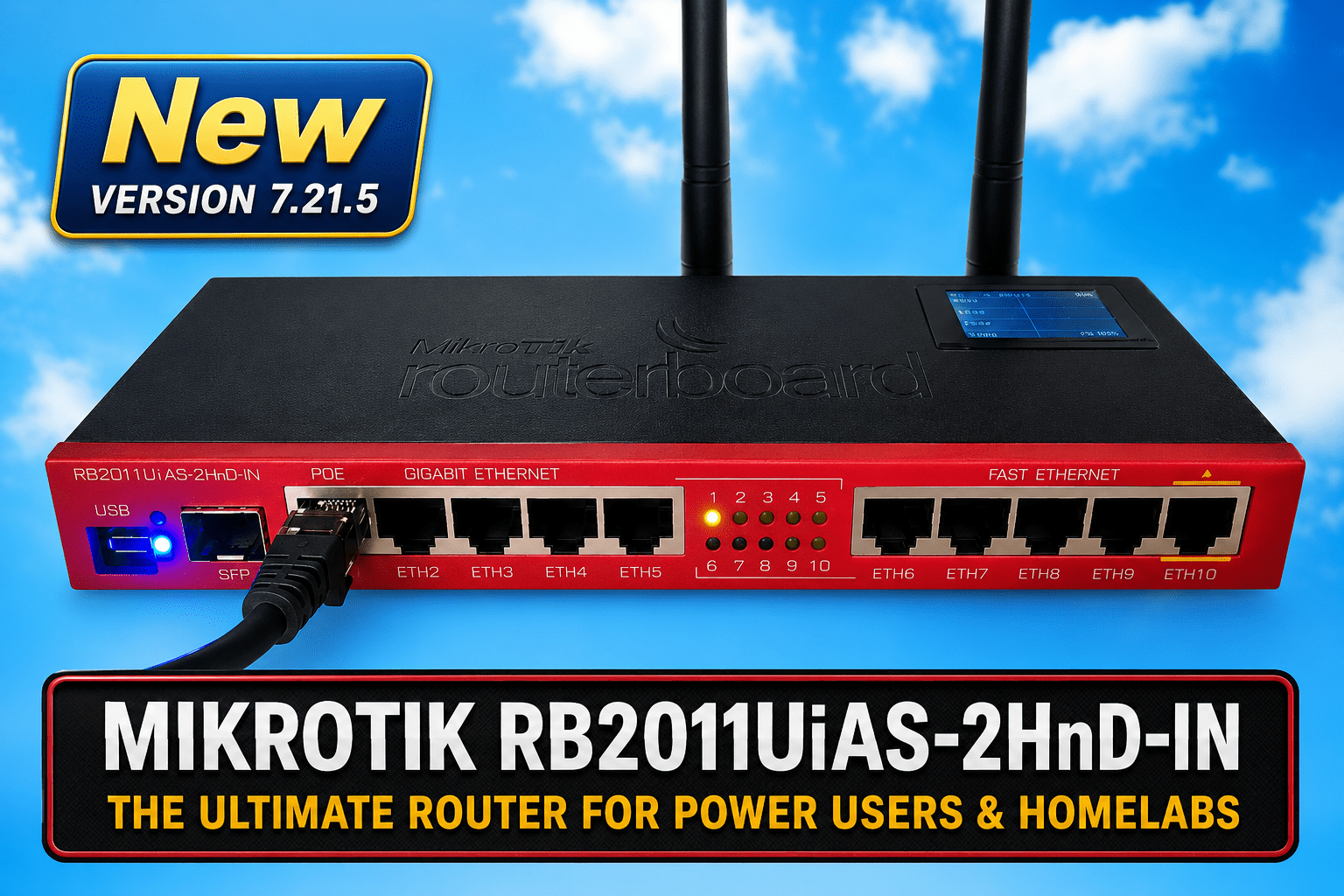
Sorry – I couldn’t resist the snazzy title photo. Real world version coming up… this old router was given to me by a friend many YEARS ago and it has sat in a cupboard gathering dust – he was done with it when he gave it to me for free!!!
This afternoon, pondering about how my (fairly well shielded being cave-based) office could do with a WiFi router behind my desk with a few Ethernet ports and a 2.4Ghz WiFi access point – I’m currently using a network switch attached to the incoming Ethernet cable – and a cheap Chinese access point… no info so if the latter gives up I would not have a clue why.
I don’t know how this device came to my attention, I was rummaging about when I spotted it in a corner, covered as it was in dust – I could not even remember how to factory reset it, at which point I got the brilliant idea of asking ChatGPT for help.
Within half an hour tops, we had it set up as a router (no need for other modes) with (very importantly) no DHCP – on my network. Minutes later I had a working 2.4Ghz WiFi access point. Why only 2.4Ghz? Because the vast majority of the IOT gadgets I come across only handle 2.4Ghz. We made the WAN input into another LAN which then gave me my 1Gbps LAN input, 4 available 1Gbps LAN ports and 5 100Mbps LAN ports – the latter again far more than IOT gadgets actually need. I have 2 PCs in here that benefit from 1Gbps LAN of course…
The biggest benefit: it replaces several bits of kit
I’ve effectively turned one old bit of hardware into:
- a 2.4GHz Wi-Fi access point
- a five-port Gigabit Ethernet switch (one input plus four available outputs)
- a five-port 100Mbps switch for IoT gadgets
- potentially a PoE power source
- and, if Iever need it, a very capable proper router
If you come across one of these – don’t throw it in the bin – a quick clean up with Servisol foam cleanser brought mine back to showroom shine and considering I know (knew) ZILCH about WINBOX – the PC (etc) program used to set up the router – but ChatGPT guided me quickly though the lot like an old master. Once the fear went away I was aghast at the things you CAN do with these Mikrotik routers – but I settled for the basics as that’s all I needed. The router takes 10-28v DC for power and provides POE if wanted. In Winbox, the latest 2026 firmware for the router was offered in LTS, stable or beta as required… after all this time!
I hope someone finds this useful.
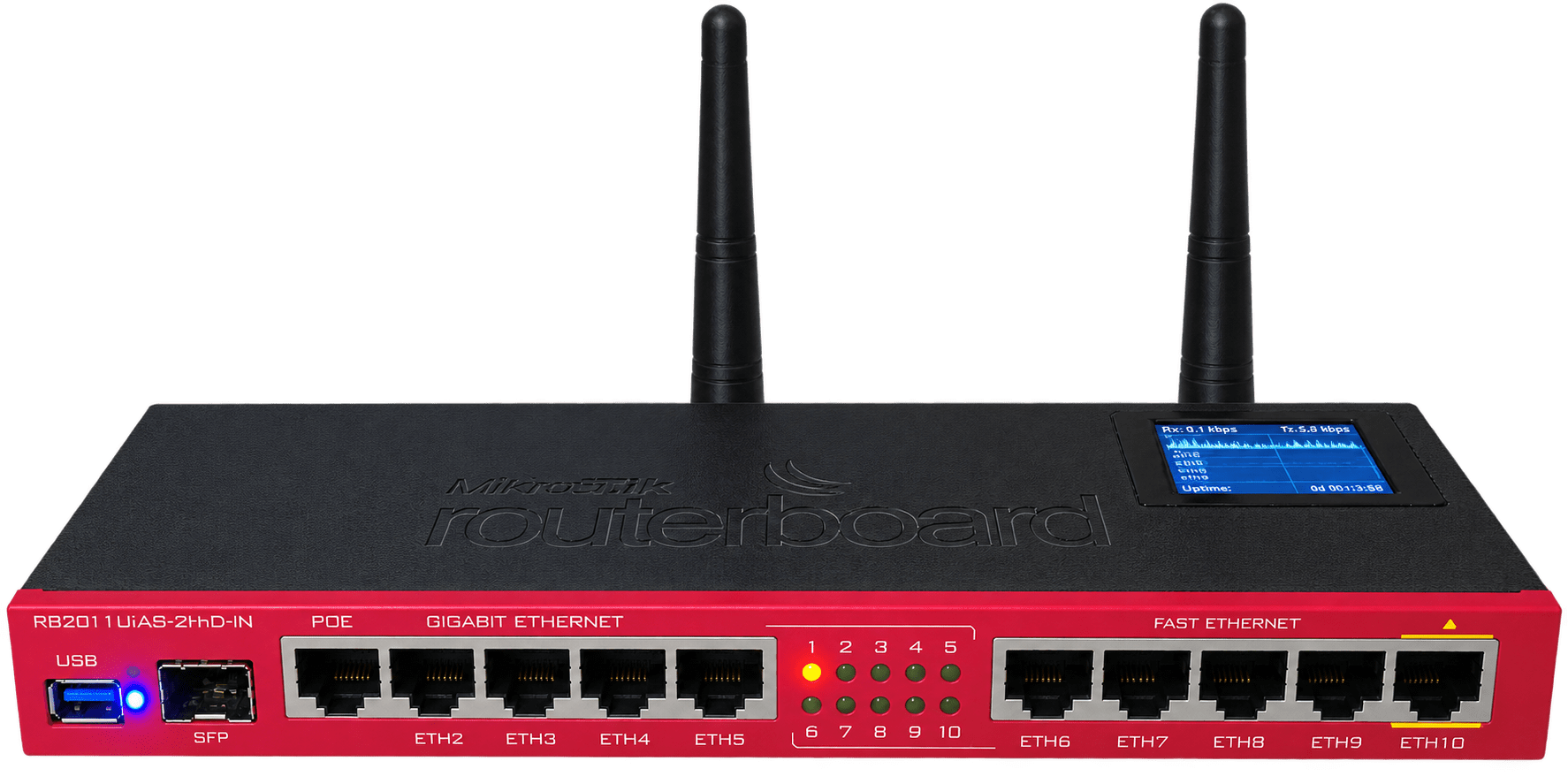
Here’s the ACTUAL router – not bad for an old piece of junk and working perfectly. As I understand it, MikroTik are well respected so I should be able to count on this – so just short article but someone might just benefit as I have.
And if I ever did want to get more adventurous, the MikroTik gives us options for things such as:
- VLANs
- firewall rules
- separate IoT networks
- VPNs
- bandwidth management
- network monitoring
- traffic statistics
- scripting and automation
OH, I just spotted this – a USB port on the front.
So what is it for?
It is a USB host port, despite the small Micro-USB connector. With the appropriate Micro-USB OTG adapter, you can connect ordinary USB devices, such as:
- USB flash drives
- USB storage
- certain USB modems
- potentially other RouterOS-supported USB devices
NO plastic here, this is all metal so well shielded, too. In operation on my desk, it runs COLD – marvellous.
There is also something quite satisfying about rescuing decent hardware rather than automatically buying another cheap box. This RB2011 may be getting on a bit, but it has a metal case, loads of Ethernet ports, 2.4GHz Wi-Fi exactly suited to IoT use, proper configuration and diagnostic facilities — and it still receives RouterOS updates. For the job I wanted it to do, “old” doesn’t necessarily mean “obsolete”.
But if this has your interest, see my later article – as Mikrotik sent me their latest 2.5Gbps ports WiFi 7 model in October 2026, a month after I wrote this one.
Make sure you don’t open it too the internet and please update there is a very nasty security bug seems to be with ssh and is not disclosed official , update to the latest 7.23 or 7.24
I shoiuld have included that information – v7.24 it is – also it’s for internal use only sitting behind a Gl-iNet main router which sits behind a 5G router:-) Well, the version’s in here now. Keep reading – I’ve just resurrected another old router – showroom shine…
i left you on the LTS version instead of stable, as that was enough… you’re not using it as router, we set up that with all the ports in bridge mode, included wifi, no dhcp, nothing… it’s actually acting as an expensive switch 😀
All working perfectly on stable. And now, resurrected the black Xiaomi.. Got wan as lan.It had dhcp on, now off. Wrote about that too.
I’m on a roll now, new Gl-iNet soon.
sell them both, you can buy normal switches and access point and have spare money, too 😀
As neither are standard, no-one will buy.
A wonderful story about re-use before considering re-cycling!! Love it!
Thanks Walter. And now I get to play with Winbox. There are so, so many controls and options and features in here. It’s going to take me ages to get to grips with them but what fun!