Back in 2021 I wrote about the Aqara 1, 2 and 4 way scene switches. Great idea, at the time I had limited use for them. A lot has happened meantime and the Zigbee scene switches they sent me are now in use in our new home. I also have a couple of Zemismart scene switches which rely on mains power (i.e. neutral – which isn’t available in any of my normal mains wall light switches – which immediately limits the use of the latter despite their superior displays.
With that background in mind and a need for more wireless switches around the house to control an increasing number of smart devices, I decided to take a chance on some cheap AliExpress 4-way scene switches.
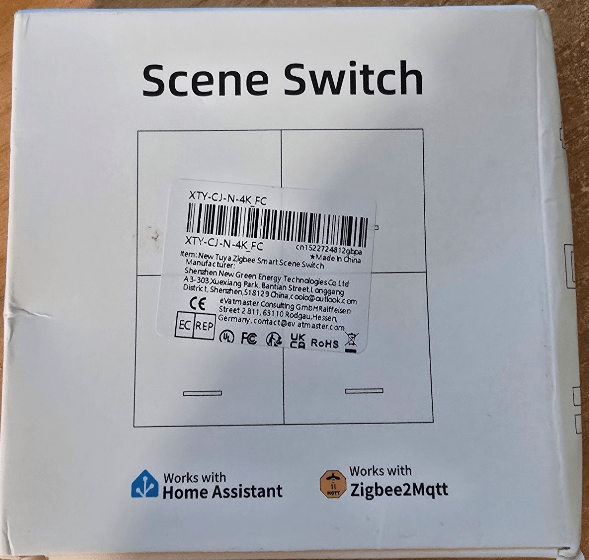
All I know about these is that they run on either a pair of CR2032 or CR2016 batteries (I keep loads of CR2032s handy) and come from Shenzhen New Green Energy Technologies Co Ltd via AliExpress.
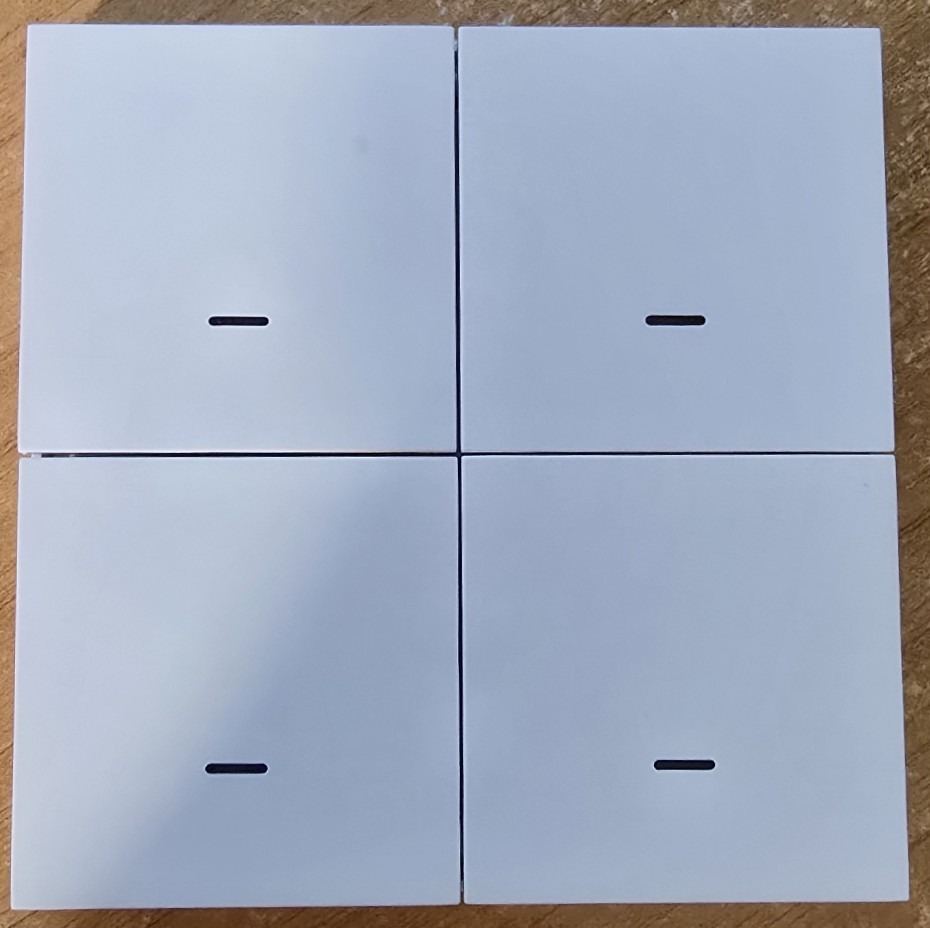
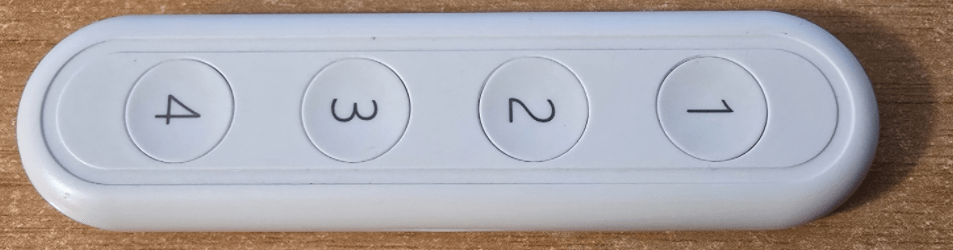
Opening the box I found the switch – neither good nor bad looking – plain white – needs a screwdriver or similar to lever the back off to change batteries. Also inside a pair of adhesive pads. Shame it’s the back that comes of – so when you replace the batteries you lose your adhesive pads.
I levered the back off easily without doing any damage to reveal fixings for both CR2016 and CR2032 batteries – that’s a first – I chose the latter. Nice tight fit – that’s refreshing. No obvious reset button so I replaced the back.
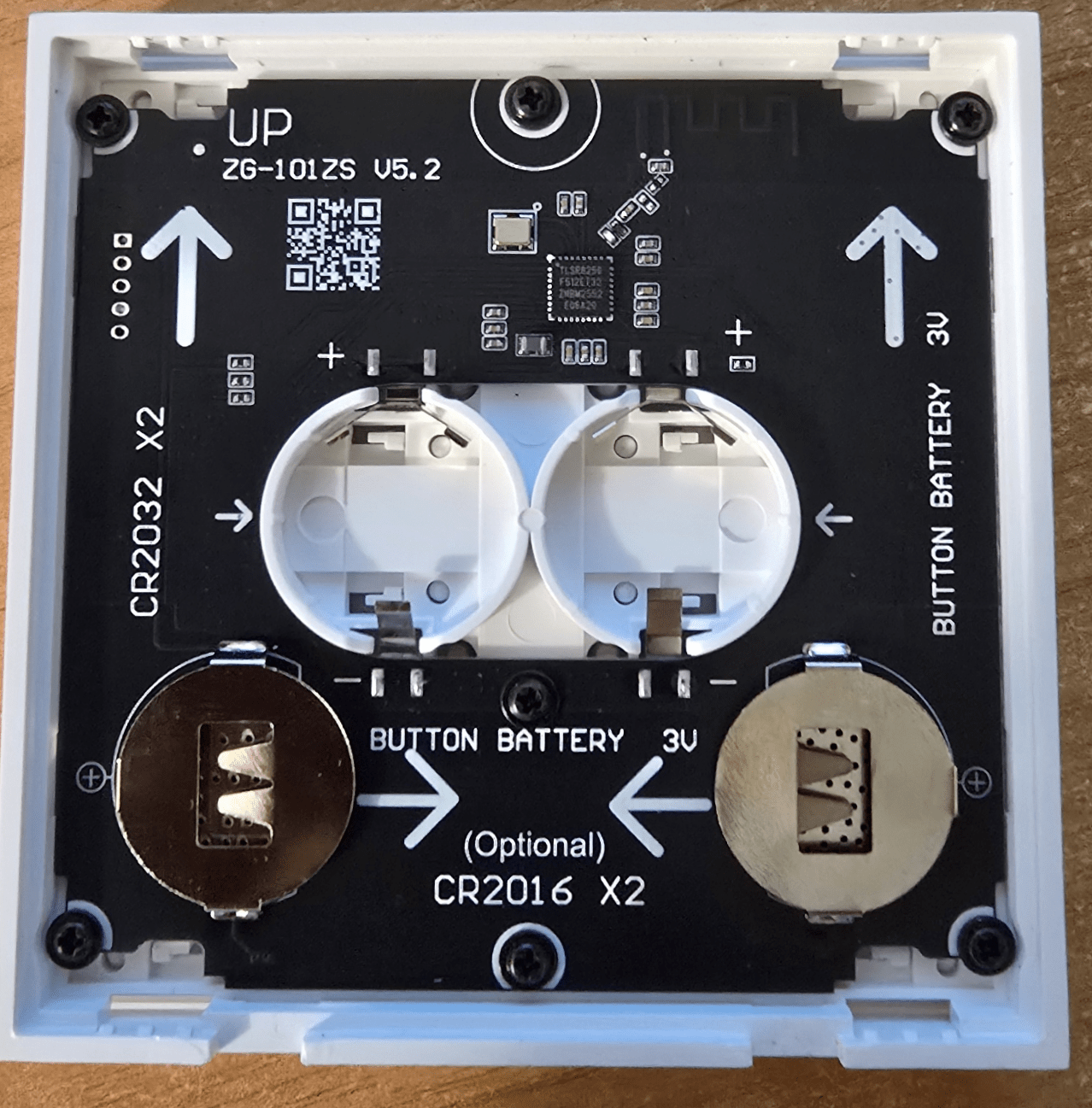
A good start. Instructions came in English and Chinese. Apparently button 3 (bottom left) is the reset button (10 seconds press). There’s nothing in the brief instructions about modes so I went straight off to my Zigbee2MQTT setup (inside Home Assistant in my case) to “Allow joining”.
It was at this point that I realise that half of my Home Assistant side panel was magically missing – I went looking for yesterday’s back up (ALWAYS keep daily automatic backups). Turns out it was Home Assistant 2026.6 and HACS. I’ll leave updates alone for few days – anyway back to the 4-way button…
I went to add the device into Zigbee2MQTT – seconds later it was in with the usual long number for a name – I renamed it ali-scene-1 and ticked to update Home Assistant.
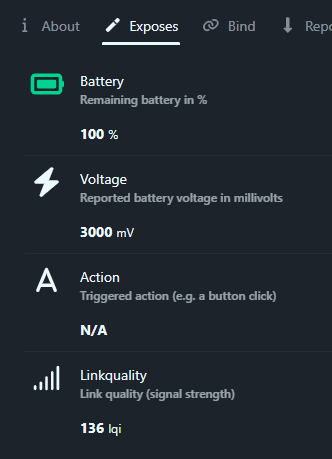
Battery exposed – action exposed – all is well, now to press some buttons… 1-single etc, 1-double etc, 1-hold etc. All looks good to me… exactly what I’d expect.
But NOTHING in Home Assistant. With help from ChatGPT I went into Zigbee2MQTT – settings – settings – Home Assistant integration – and ticked “experimental event entities” and restarted Home Assistant. That solved the problem. ChatGPT recommends leaving that setting ticked as it could be needed for other new devices. I’m fine with that.
Finally, though as you see on the left, Zigbee2MQTT exposed all actions including HOLD, the hold action ended up in Home Assistant as not for example button_1_hold but as hold, hence it could not tell which button was held, until chatGPT came up with THIS suggestion – using MQTT directly from Zigbee2Mqtt… see this Yaml automation which right now assigns the same result to all of the actions… just a matter of changing the action field…
alias: Ali Scene Controller
triggers:
  - trigger: mqtt
    topic: zigbee2mqtt/ali-scene-1
actions:
  - choose:
      - conditions:
          - condition: template
            value_template: "{{ trigger.payload_json.action == '1_single' }}"
        sequence:
          - action: script.all_off
      - conditions:
          - condition: template
            value_template: "{{ trigger.payload_json.action == '1_double' }}"
        sequence:
          - action: script.all_off
      - conditions:
          - condition: template
            value_template: "{{ trigger.payload_json.action == '1_hold' }}"
        sequence:
          - action: script.all_off
      - conditions:
          - condition: template
            value_template: "{{ trigger.payload_json.action == '2_single' }}"
        sequence:
          - action: script.all_off
      - conditions:
          - condition: template
            value_template: "{{ trigger.payload_json.action == '2_double' }}"
        sequence:
          - action: script.all_off
      - conditions:
          - condition: template
            value_template: "{{ trigger.payload_json.action == '2_hold' }}"
        sequence:
          - action: script.all_off
      - conditions:
          - condition: template
            value_template: "{{ trigger.payload_json.action == '3_single' }}"
        sequence:
          - action: script.all_off
      - conditions:
          - condition: template
            value_template: "{{ trigger.payload_json.action == '3_double' }}"
        sequence:
          - action: script.all_off
      - conditions:
          - condition: template
            value_template: "{{ trigger.payload_json.action == '3_hold' }}"
        sequence:
          - action: script.all_off
      - conditions:
          - condition: template
            value_template: "{{ trigger.payload_json.action == '4_single' }}"
        sequence:
          - action: script.all_off
      - conditions:
          - condition: template
            value_template: "{{ trigger.payload_json.action == '4_double' }}"
        sequence:
          - action: script.all_off
      - conditions:
          - condition: template
            value_template: "{{ trigger.payload_json.action == '4_hold' }}"
        sequence:
          - action: script.all_off
mode: single
Before anyone says “why didn’t they expose for example “button 1 hold” as “button 1 hold” and not just “hold”.. well, I’ve been checking backwards and something I reviewed AGES ago, a TUYA 4-button battery operated lanyard does EXACTLY the same thing.
Loratap alternative
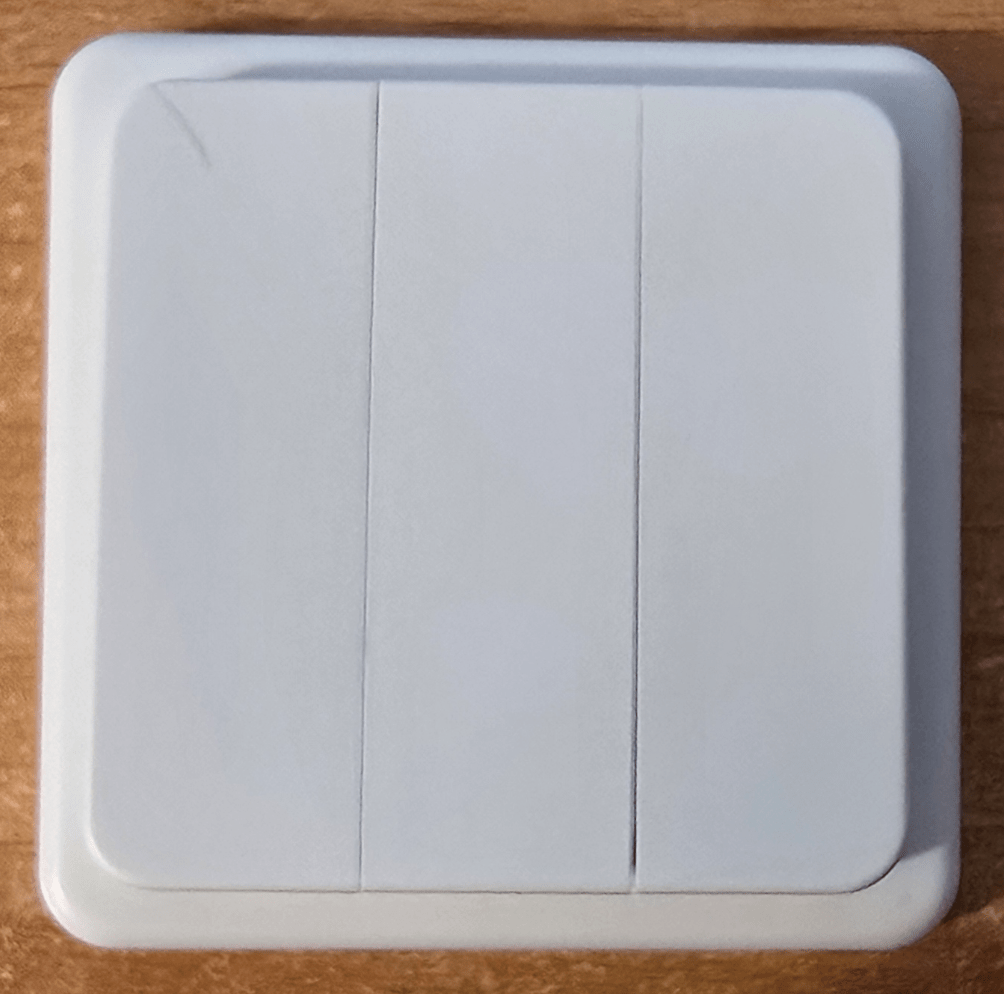
Below, following a comment in here, I also bought a 3-button “Loratap” Zigbee Switch. Again exactly the same operation. Despite EXPLICIT instructions with the Loratap unit that you HAVE to use a TUYA Zigbee gateway, you DON’T. I always use my same SM-LIGHT SLZB-06 coordinator and Zigbee2MQTT for all my devices…
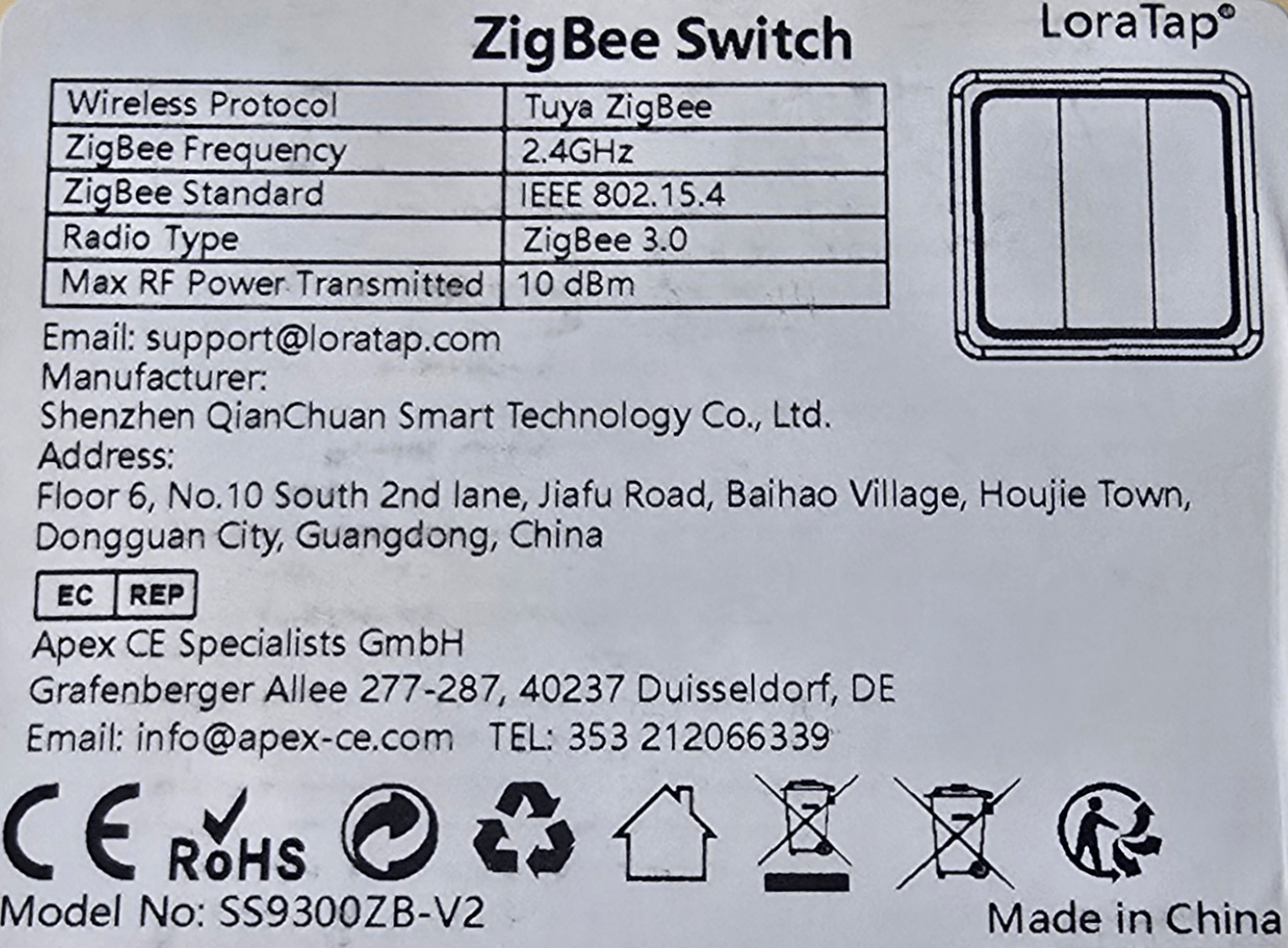
As for long-term reliability differences – time will tell. The Loratap (again battery powered Zigbee) device runs on a single CR2032 battery so I’d not expect it to last as long as the main item in this blog entry – but you never know. What I DON’T like about the Loratap unit compared to the 4-button scene switch is: The Loratap has ONE LED which lights up no matter which of the three buttons you press – that’s a bit counter-intuitive. Also, pressing the buttons on the Loratap – it posssible to press them lightly and think you’ve used sufficient pressure – until of course nothing happens!!
Aer either worth buying? You decide… I paid just over 7 euros each and currently they’ve dropped the price again. The Loratap was marginally more expensive. Bit of hassle (for some) using MQTT but then you pay your money… I also noted that the units did not automatically pick the nearest Zigbee router.. that’s not uncommon with Zigbee devices.. (I’ve not yet range-rested the Loratap device) – if you significantly move one of these units you might consider unpairing and repairing – takes seconds.
On price drops – of course for us folk in the EU – in my case Spain, the Spanish government has just (June 2026) introduced Trump-style restrictive trading practices, putting a massive, stupid 3 euros duty per item on stuff imported from AliExpress, Temu etc. DESPITE the government having NO local alternatives in mind. So that’s super tech bargains down the toilet. Beware, Aliexpress duty is now calculated AT THE CHECKOUT.
I had this and it was totally unreliable.. switched to Laura Tap and no issue in a year
https://nl.aliexpress.com/item/1005007048362396.html?spm=a2g0o.order_list.order_list_main.29.4fc95e5b7cHHG4&gatewayAdapt=glo2nld
Ok, I’m going to give the Loratap unit a go. The 3-button EU unit is slightly more expensive but I’m happy to try it to see if we agree. Meanwhile, since resetting my unit in the kitchen to force it to use a nearer Zigbee “router” i.e. a nearby Zigbee light – it’s been perfect.
Rosalba – for the sake of it I followed your lead and today received the Loratap device as you described – exactly the same operation and exactly the same HOLD output for Home Assistant. See updated blog.
Do you know Switch Manager for HA?
https://github.com/Sian-Lee-SA/Home-Assistant-Switch-Manager
I didn’t – do now – will try it this morning.
For me this was a gamechanger for the use of switches in HA.
Hope U find it usefull aswell.