
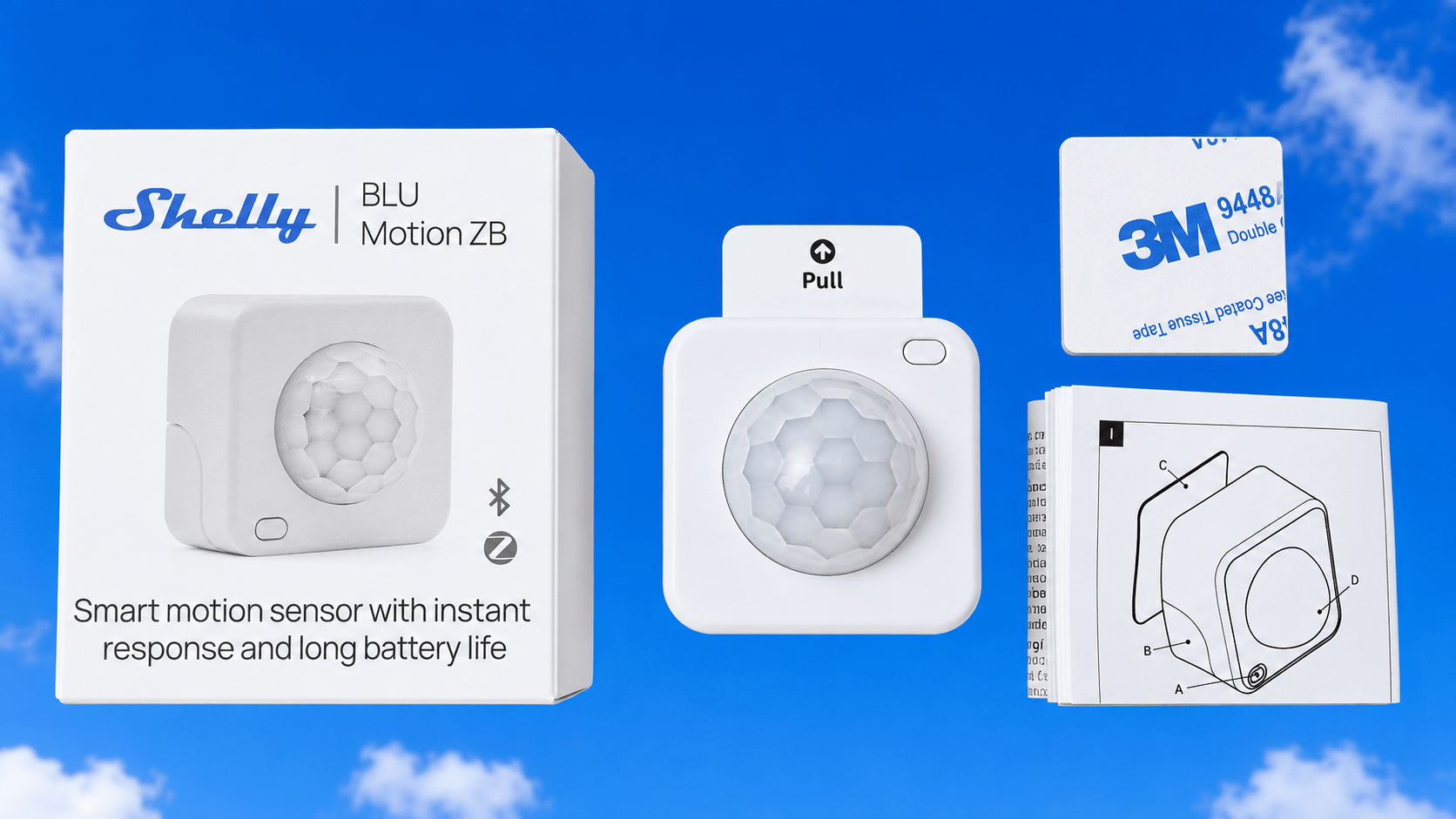
Described as a smart motion sensor with instant response and long battery life.
I can’t argue that long battery life ifs very important – I do worry slightly that they used a CR2477 (thankfully included) which are not as readily available and cheap as CR2032 or CR2450. This seems to be a trend however. When the battery does need replacement, it’s a simple matter of levering a notch with a screwdriver.

The device is pretty similar in size to other motion sensors such as typical AliExpress IR motion sensors.
So, the device arrived with a tab to protect the battery during shipping.
I removed the tab and too lazy to read the instructions, I went to my Zigbee2MQTT in Home Assistant and hit “Permit Join” and waited to see what happened. I normally join Shelly devices to their APP but this SHOULD work, after all, my Sonoff ZB devices usually do. I also noted that there’s a MATTER sticker on the box but ignored that…
The device flashed blue then started flashing red… but nothing in Zigbee2MQTT.
Before chickening out and going to the Shelly app, I tried a long-press of the small button on the front of the unit.
Finally I tried in desperation holding the button down while using “PERMIT JOIN” in Zigbee2MQTT. Nothing.
AH, always wise to read the manual. “Press the button 5 times for Zigbee pairing”. PURPLE flash this time and within seconds – it was installed in Zigbee2MQTT. Wheee. Time to rename and update Home Assistant ID. ” bluemotionzb” seemed sensible.
Looking at the new device in Zigbee2MQTT I saw this lot exposed (as well as “identify” and “link quality”..

From there on, things went slightly downhill. I could not get any change of light level showing up in Zigbee2MQTT or any motion detected. Battery says it’s 100%, but that’s it. Undeterred, I pressed the button once and the light flashed and “occupied” came up. I put the unit in a drawer, waited a couple of minutes and…..
CLEAR – that’s the motion sensitivity sorted – light sensor still said dark.

Next I brought the unit out into the light and facing me. “Occupied” – great – but still dark – so I changed the light threshold to a paltry 647lx instead of 30000lx – (half way up the slider – then I hit the refresh icon in Zigbee2MQTT). With the unit now facing away from me as I type this.. occupancy is CLEAR as it should be, but light level remains stubbornly dark. My office has several bright LED warm white lights. That’s not dark. So I reset the bright level to 75lx. A candle should set the output reading to LIGHT, surely? But no.
Zigbee2MQTT was at this point sending out the odd message like this below.. yet despite the below messages, on turning the unit around to face me, once again the output switched to OCCUPIED as it should. But still no change of light level. Over to Shelly….
