Can it possibly be that long since I reviewed an action camera? Apparently yes. It was 2017 when I reviewed the ODVRM Action Camera. And here we are – we’ve moved home at least twice since then, I’ve gone from using cheap mobile phones to the Samsung S24 Ultra and hence my expectations of a camera have changed a lot.
Out of the blue a couple of weeks ago, Shenzhen Yutu Technology (in Shenzhen, China) contacted me to ask if I’d like to play with their latest flagship camera – and as you do – I said “sure, just send it to me and I’ll have a look – no guarantees”.
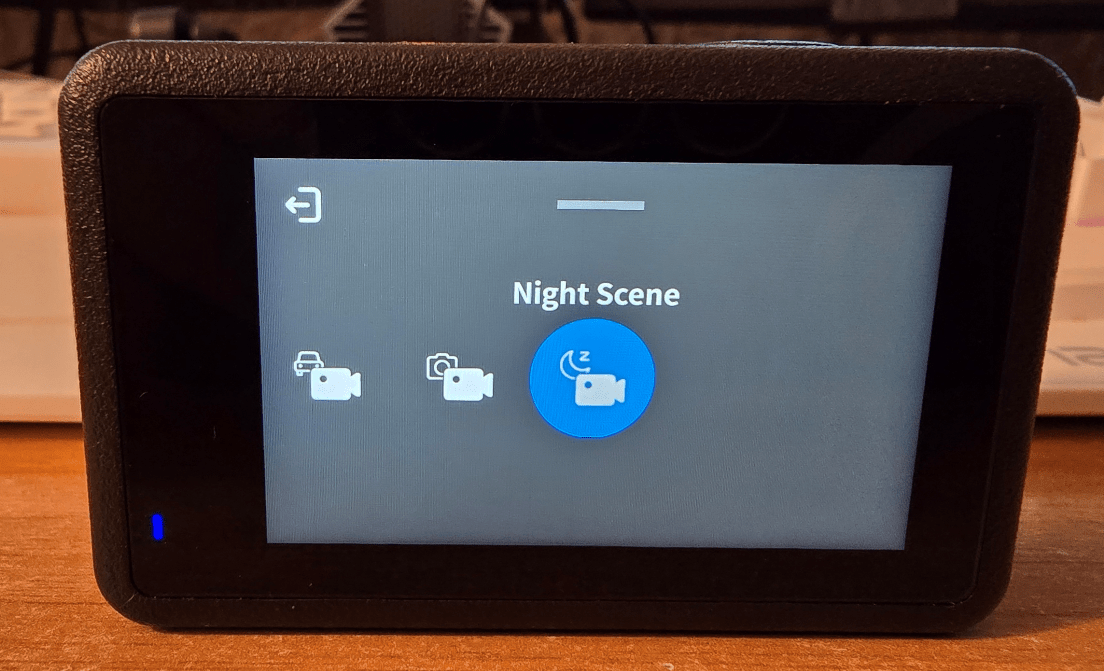
I’m sure regular readers are sick of seeing photos of our as yet still work-in-progress cave-home – but bear with me. The camera arrived yesterday and as you do, I left it on charge overnight (replaceable battery). Tonight I took a photo and a short video just to make sure it works – it does. I’ve not really gone into this device in detail yet but it does support 48Mpx imagery and as well as JPG images it does RAW and has a bunch of options like time-lapse, long-exposure, burst photo, timing photo, lapse photo, normal then we come onto video – normal, lapse, slow motion, “quick stories”, underwater, car looping, video + photo and night scene.
So here is a quick RAW photo:
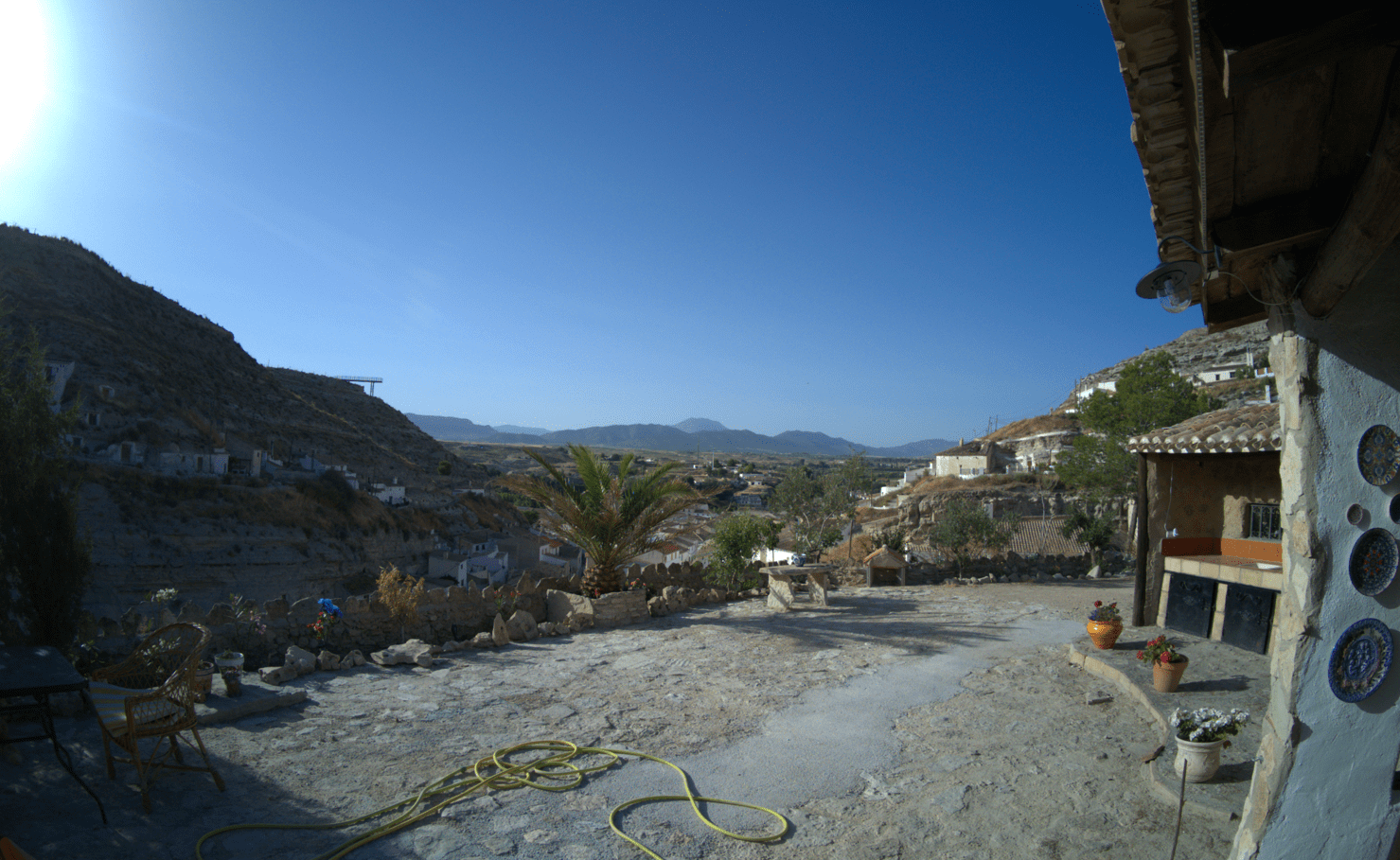
It beats me why people still make sensors optimised for 4:3 when most images and video have been in 16:9 format for a long time) and of course that image tells you NOTHING as the blog images will be quite low res, but let’s take a look at the metal structure overhanging the mountain on the left of the image above – this might give you a better idea of the ultimate resolution of the above image…

Ok, I’m not sure that image, zoomed in even starts to compare with my Samsung S24 Ultra but then the phone cost over 1000 Euros – the camera costs small fraction of that (and is a fraction of the size). I did later find out that by default, image quality is set to “standard” rather than “high” so it can be improved on.
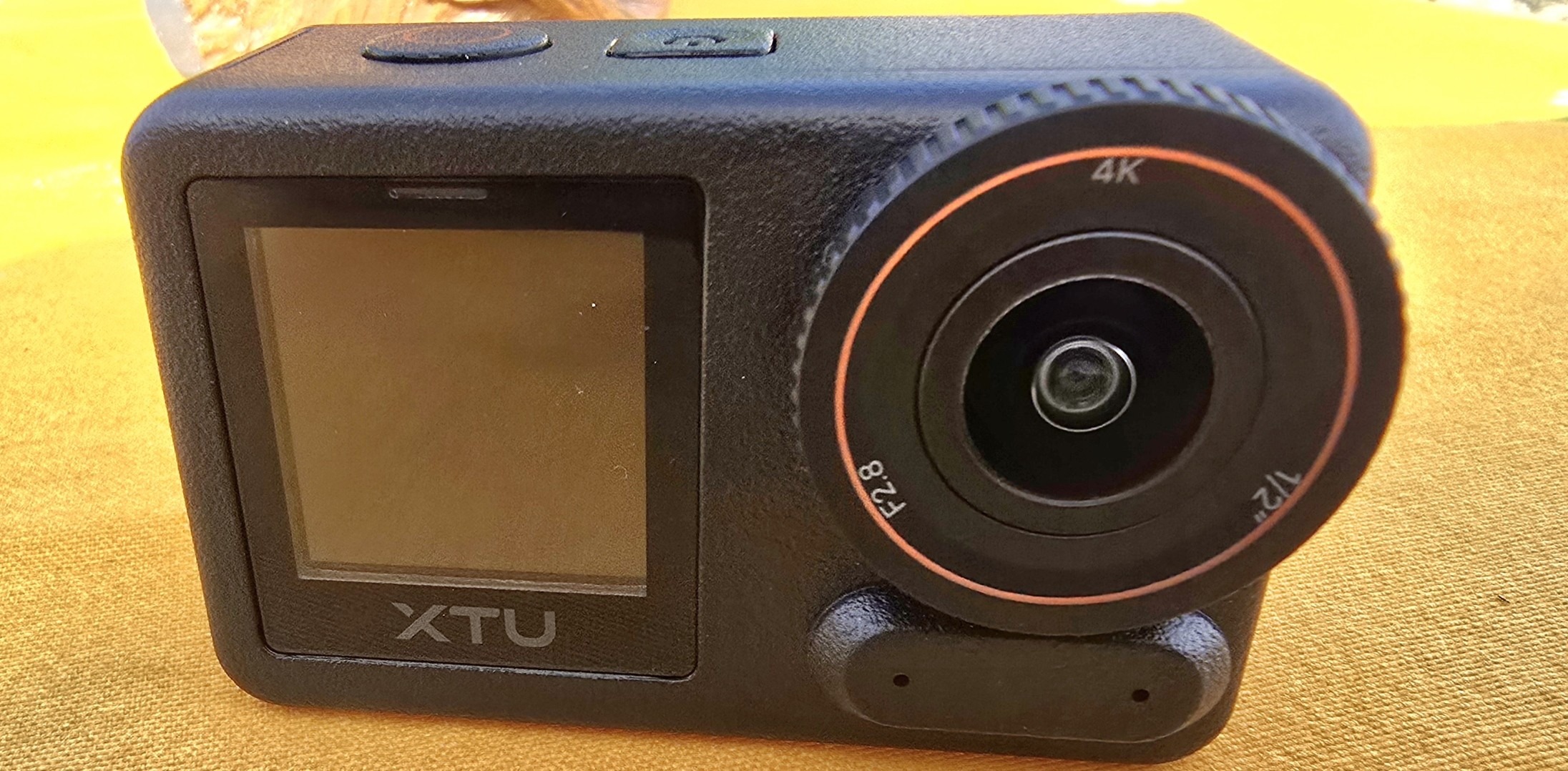
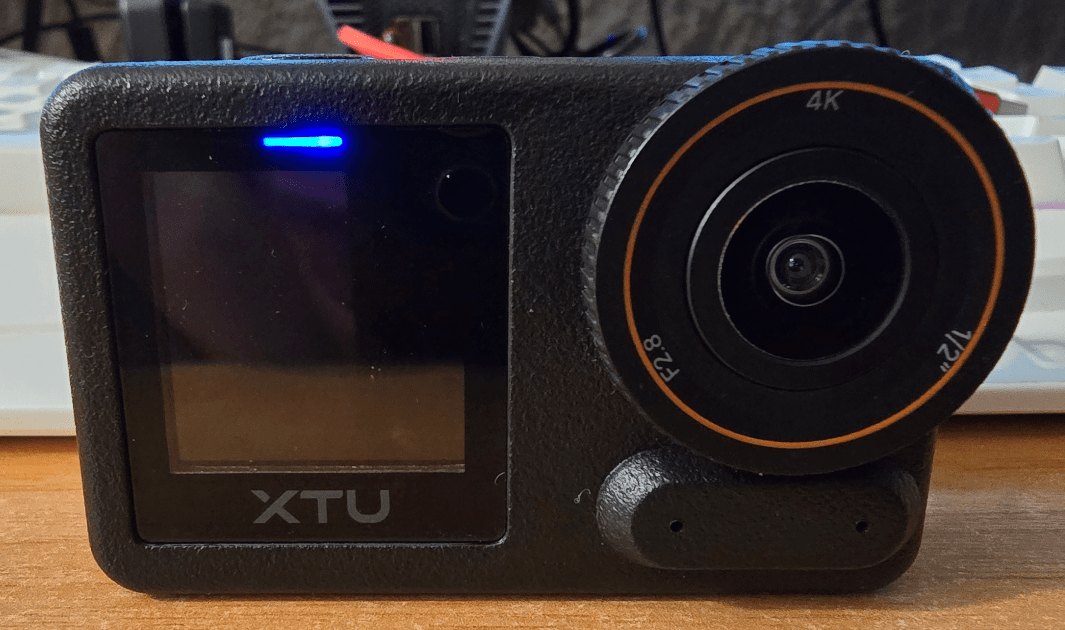
Ok so the camera is black, light in weight, has front and back screens and a nice F2.8 1/2″ lens with 4K capability. After after taking the photo above, I plugged the power input USB-C connector of the camera to my PC and I was relieved to find the device appeared as a USB memory stick – good start, sometimes quicker than messing with WiFi. 2.4Ghz Wifi is fine for images, not so fine for quality videos – as it happens I needn’t have worried.
Taking a look at the key specs, 4K 50FPS video, 48Mpx, 360 degree horizon levelling, “supersmooth” video, voice control, PD fast charging (that’s a must for me), 5G WiFi (that’s 5Ghz Wifi) and pre-recording – handy for use in a car.
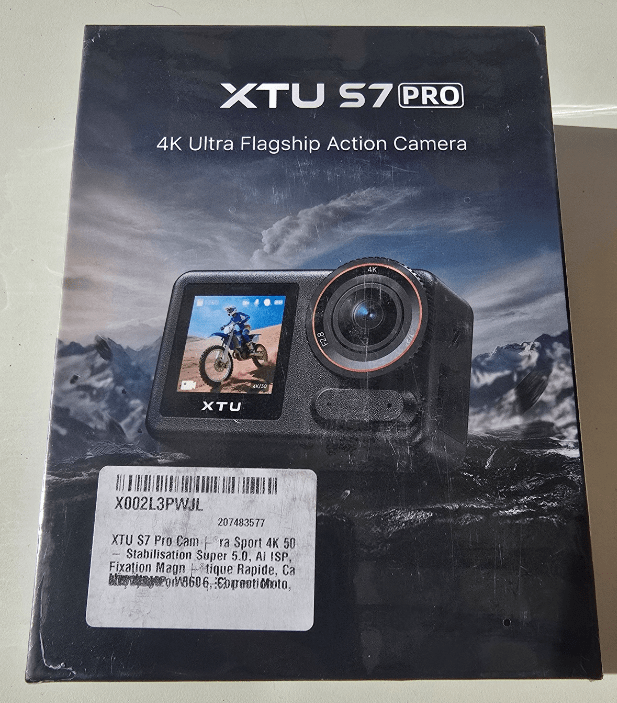
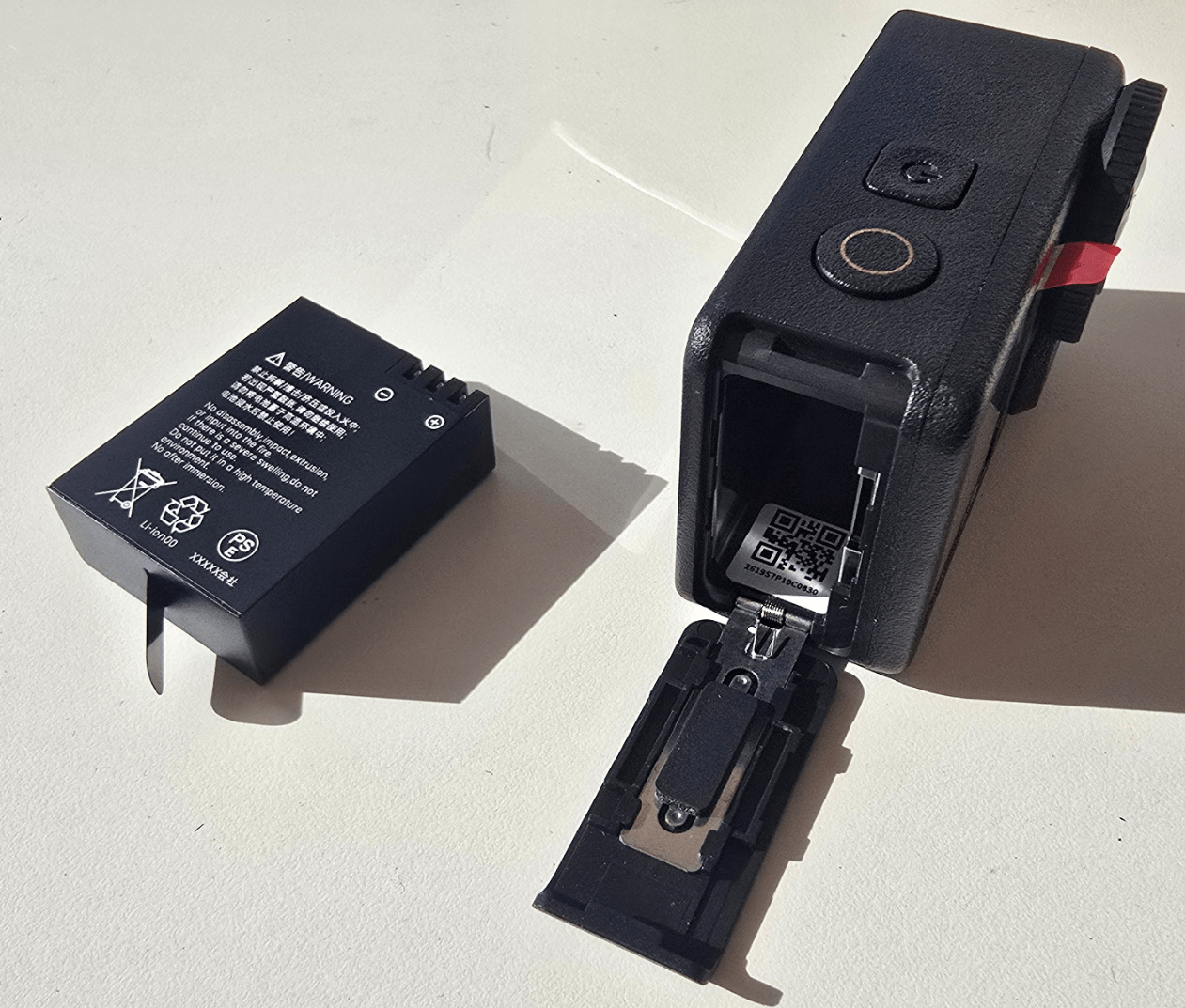
In the very pretty box you get the XTU camera, a magnetic quick-release mount, the battery (obviously) and a USB cable.
Ok so this is interesting. They don’t supply an SD card. They don’t make any recommendations about what kind of micro SD card to use but they do recommend formatting the card every three months. That’s novel. I don’t think I’ve ever seen anybody make that recommendation before. I stuck in a used 32GB Kodak 32GB microSD card I had lying around from my Raspberry Pi days… the camera told me to format it which I did – and no problems.
Ok, obvious to many of us but it was nice to see the intro sheet refer to “Memory cards degrade naturally after numerous write cycles and should be replaced when they become unreliable”.
The manual is fine and includes on the front page a support email address: support@xtucam.com. 25 pages in (good) English including specs and lots of useful advice. You can buy a waterproof housing separately and they tell you all about that. The waterproof housing apparently comes with a waterproof USB port connector. That’s handy. I didn’t get that. There are instructions for connecting a Bluetooth remote microphone (sold separately). For transferring images, etc., to phone or computer and they have an app called XTU GO which is available in the usual play stores (only scored 3.3 out of 5 in the Android Play Store).
Right so the camera has its own Wi-Fi, as I mentioned earlier, but it can also be connected to the Wi-Fi settings on your phone or into your normal LAN and hence connect to your PC or tablet using 5Ghz WiFi which is what I was hoping for. They also mention connecting to your PC via the USB cable but as you see above that took me seconds to figure that one out. I’ll pull a few items out of the hardware configuration and detailed specs:
1.4-inch secondary screen, 48 MP resolution, 152° wide-angle lens, 2.29-inch primary touch screen
I’ve referred to the various modes above. Video resolution is up to 4K. Gyroscopic data supports data export for Gyroflow software, whatever that is.
Here are pictures of the box and the camera.
Finally for now, not sure I totally understand this yet but with the camera plugged in via USB on my PC, the display on the back shows a choice of:
“Short press OK to switch to PC camera” and “Short press OK key to switch to USB storage” – for a little camera of which I wasn’t expecting much, this XTU S7 Pro looks like it’s good for hours of fun. Ah I see, it can be used as a webcam with the PC, that’s useful. Ok, I’ve got it – on my Windows 11 PC using the Windows standard camera APP I can swap between my Obsbot webcam, my S24 phone and the XTU S7 Pro.. which means when using OBS Studio, I now have a third camera source to play with for making demo videos – LOVELY.
In the USA the basic camera appears to be on sale at around $197 – its on pre-order so I guess VERY new. I suggest if this grabs your interest take a look at their website – they’ve done a far better PR job than I can in a short time.
I must say, connecting to the XTU camera hotspot wasn’t the most intuitive thing I’ve come across recently. It connected using the default password 12345678, no problem – but then, what? I went back to the app and it wanted me to connect – again. Ah, but then I hit the BACK button and there it was 🙂 “View Files” and “Enter Camera”. So now I could see the camera image live on my phone – still with that annoying “XTU ArtCam S7PRO” overlay. Then I found the settings in the APP. Still nothing about removing the overlay. Ah, a second page: it is possible to select local 5Ghz or 2.4Ghz Wifi. “Subscreen Display”… “Stamp”… RIGHT – ITS GONE 🙂
AH, I like it – GYRO ENHANCE – OFF, Super, Super enhance, Gyro flow. So – varying levels of stabilisation (more stabilisation means more delay). WELL, this thing is FULL of surprises. Colour filters, Manual/Auto white balance, ISO control… “Image quality” – set to standard by default. “Emergency reverse charging” – so at a pinch it could provide my phone with a little charge.. THAT’S GOOD.
Enough for now, I’ll add more as I learn more.
For anyone in the USA interested, at the time of writing, the camera is on sale at $109 – they sent me an Amazon link and otherwise a link to their official website.