
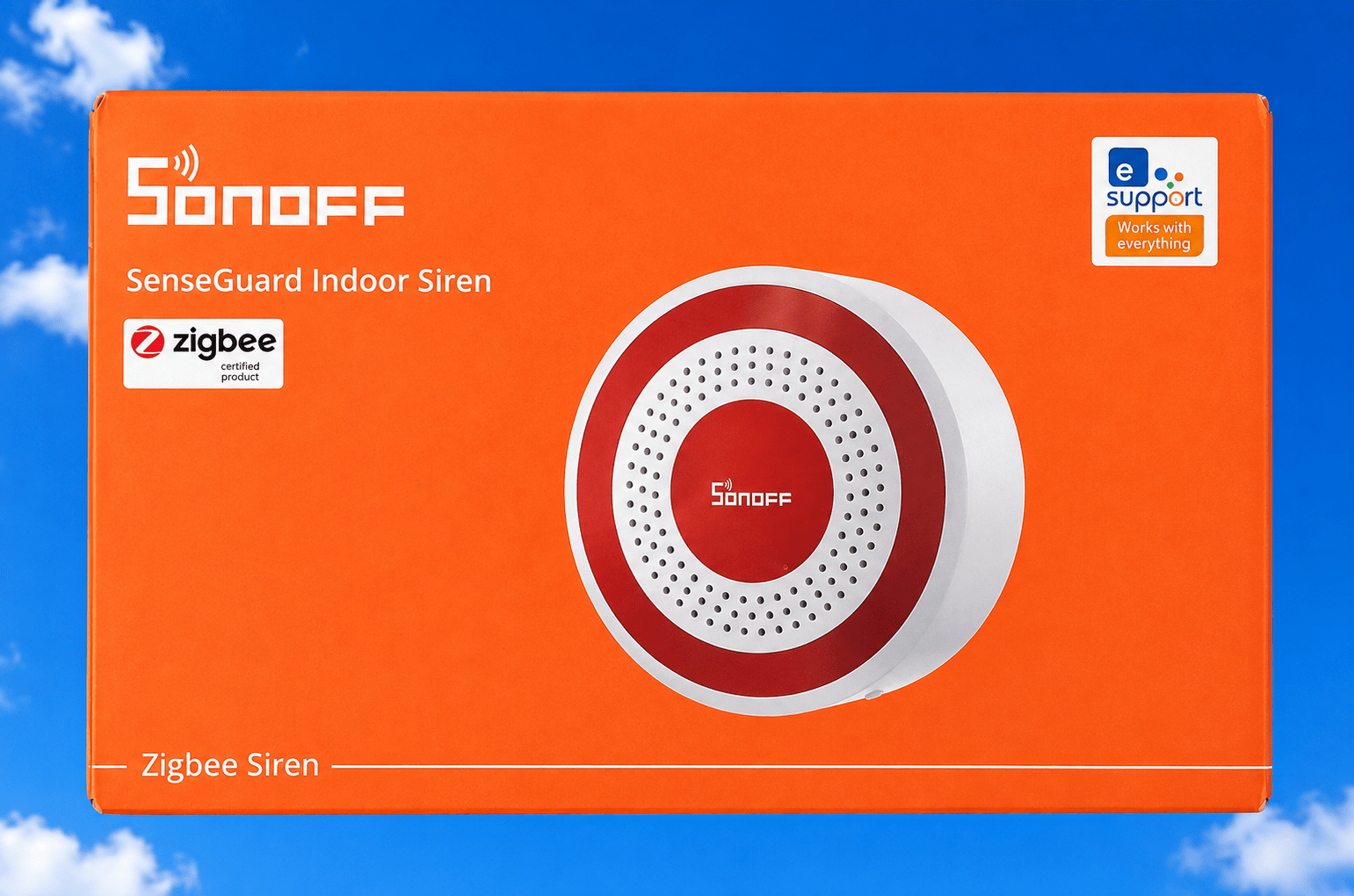
This is an odd one. At first glance, it doesn’t seem like it would be smart, but it is.
I plugged the unit in, left it plugged in for a while just to make sure it had some power. I then disconnected it from the USB connection and left it to run on its internal battery and paired it to Zigbee2MQTT in my Home Assistant setup. The pairing process took just a few seconds. Once paired, it’s pretty red light went out and the unit just sat there doing nothing.
I made sure it was turned on and looked to see what Zigbee2MQTT had discovered. Sure enough, there were plenty of controls and sensors, the most relevant one of which was SIREN ON.

So naturally I pressed the button in Zigbee2MQTT.
GOOD GRIEF, that’s LOUD!
The fact it has an internal rechargeable battery means it’ll still make a racket if someone cuts the power or unplugs it. Mind you, the Zigbee network would need to remain intact.
I can easily see myself pairing this with a small Zigbee pushbutton-button or two (or three) dotted around the house so that if ever anyone ever broke in, I could scare the life out of them at the push of a button (or a reliable Zigbee movement sensor in my absense). A shame the siren is intended for internal used only. On the other hand, we have a covered porch that’s well protected from the weather and I’m fairly sure you’d still hear this thing half way down the street. Update: I now have an ALARM button in my HA phone APP so I can go walkabouts to see just how loud it is. Next I need a new 100% reliable human presence sensor and that’ll set off the siren when required and of course the bright red ALARM button on my phone will light up. Whatever next? A spot of TTS on the phone to alert me even if my phone is turned off?
The Sonoff siren device exposes sensors for:
- Remaining battery percentage
- Power supply mode
- Tamper status
- Alarm sound type
- Alarm duration
There are also controls to:
Set the alarm duration (10 seconds by default)
Enable or disable the siren (enabled by default)
Enable or disable the alarm light (enabled by default)
There are ten different alarm sounds to choose from.
Having only just set the unit up, I’ve no idea how long the internal battery will last before it needs charging again. In the box you get the siren itself, mounting screws and wall plugs, plus a USB-A to USB-C charging cable.
Alongside the small power button on the side is a SET button. At the time of writing I haven’t yet worked out what that’s for.
So far, though, I’d say it’s a neat little gadget.
One slightly odd quirk is that while the unit is connected to USB power and charging, the battery percentage sensor disappears from Zigbee2MQTT. It would have been useful to see the charge level while charging so you’d know when it was full.
For what it’s worth, the battery was showing 25% when I plugged it in. After five minutes it had risen to 30%, so I’d guess a full charge probably takes around an hour or so.
One thing that occurred to me is that, in my setup, the Home Assistant PC, Zigbee coordinator, Wi-Fi router and 5G router are all powered from a large 100Ah UPS. That means even if someone kills the mains, the Zigbee network keeps running, and because the siren has its own rechargeable battery it can still be triggered. Obviously, if your Zigbee network goes down with the mains, that advantage largely disappears.
LOVELY!