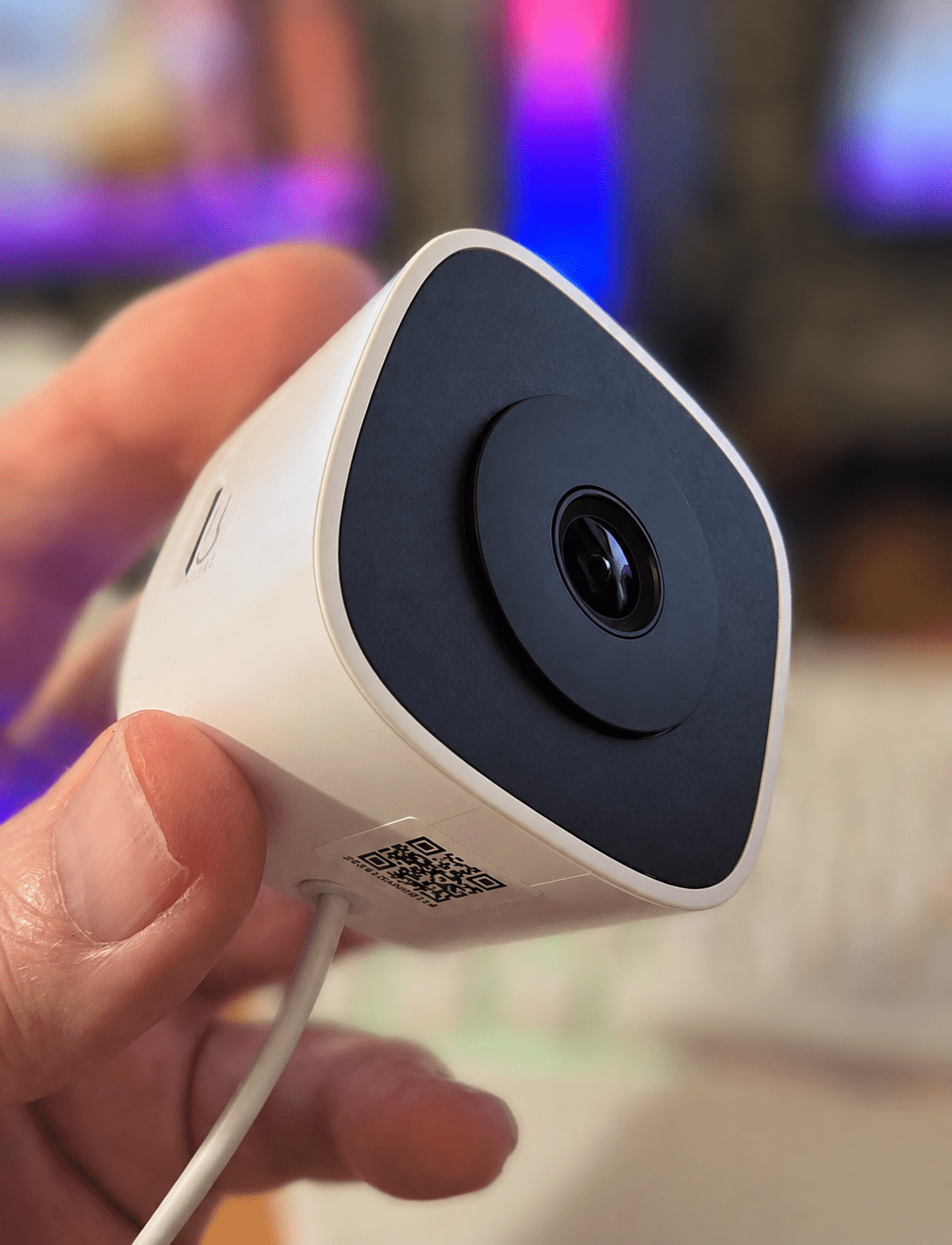
The Glassview is the latest smart window camera from Sonoff, and looking at it, it seems to be a fairly ordinary USB-powered WiFi IP camera. And it is at least, at first glance – but read on – it’s actually quite good when you get into it…
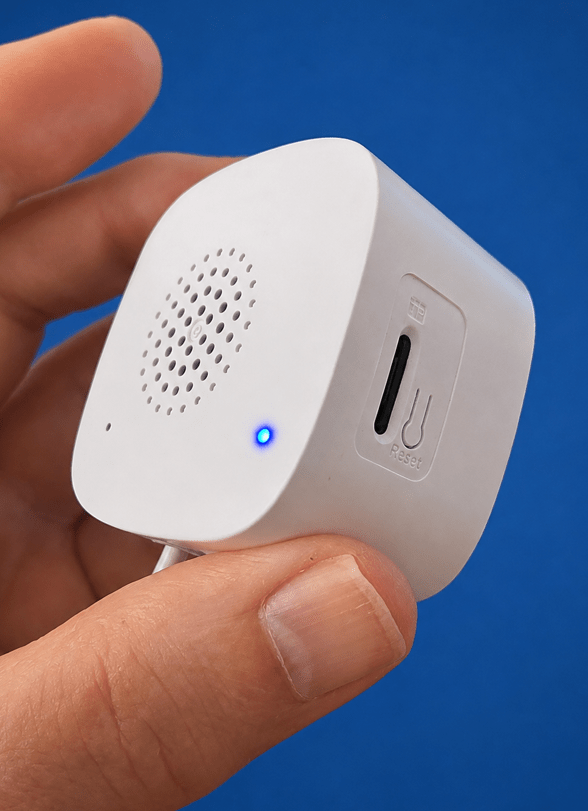
The product is numbered CAM-S3W and comes with a very short permanently attached USB-C lead and a very long extension. You can add a microSD card for local storage, and it has sound input and output.
So up to now, nothing special, I hear you say, except for the fittings that come with it. I have an old Sonoff camera back in the UK sitting in a bedroom window upstairs. It wasn’t until I left the UK and left it running that I realized that, at night in the dark, the reflections off the window from its infrared light would make it almost useless. Rather oddly, the new camera has no IR light.
The official blurb says: “CAM GlassView is a 3MP smart window camera designed to deliver clear outdoor monitoring from inside your home. Advanced imaging algorithms minimize window glare and provide vivid full-color night vision, making it a practical alternative to traditional outdoor cameras.”
“With three mounting brackets for different window types, installation is quick and flexible. By mounting indoors, it eliminates the hassle of outdoor installation, power wiring, weather exposure, and theft—ideal for monitoring driveways, front yards, and apartments.”
“Built for both everyday users and smart home enthusiasts, CAM GlassView supports dual-band Wi-Fi, OpenEdge Local Web Console, RTSP, ONVIF, and local microSD storage for flexible integration and reliable recording.”
Dual band – I’d not even noticed that. Good. The docs give you the link to connnect the camera via RTSP to Home Assistant and other systems. Easy.
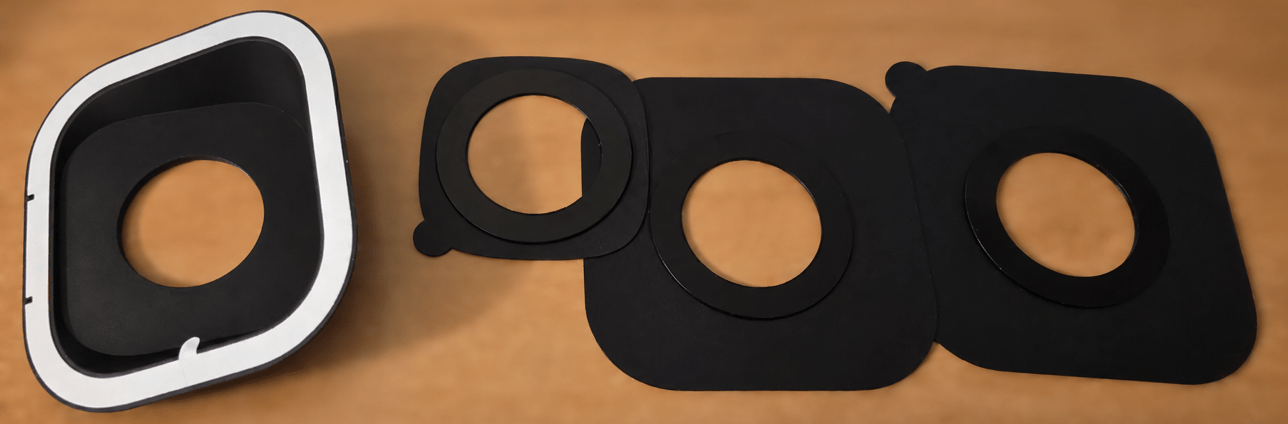
I kept wondering if there was a way to glue my camera to the window, which is a bit of a messy solution, when along came the Glass View. See pictures of the included accessories (below) that make it easy to stick to any window. Marvellous.
Setting up is easier. The device enters pairing mode and creates a hotspot named Sonoff_S3W-xxx. I set up the camera using the eWeLink app and then immediately went to install it into Home Assistant (HA), and sure enough, because it has ONVIF/RTSP capability: it’s dead easy to add into HA.
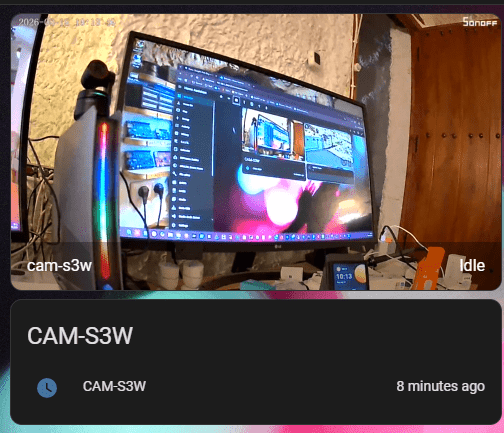
So there it is, sitting on the bench in my office. You’ll notice a slight curve in the imagery that’s to be expected because it is fairly wide angle.
There is only one sensor which shows up in Home Assistant alongside the video so the camera is not going to win any awards for its technical capabilities but it’s fine, and I’m sure it will be priced accordingly.
OOOH, this is an improvement – the IP address of the camera – just pop it into a browser and enter the password you added during setup and.. I like it – no more heading back to the eWeLink app for settings..
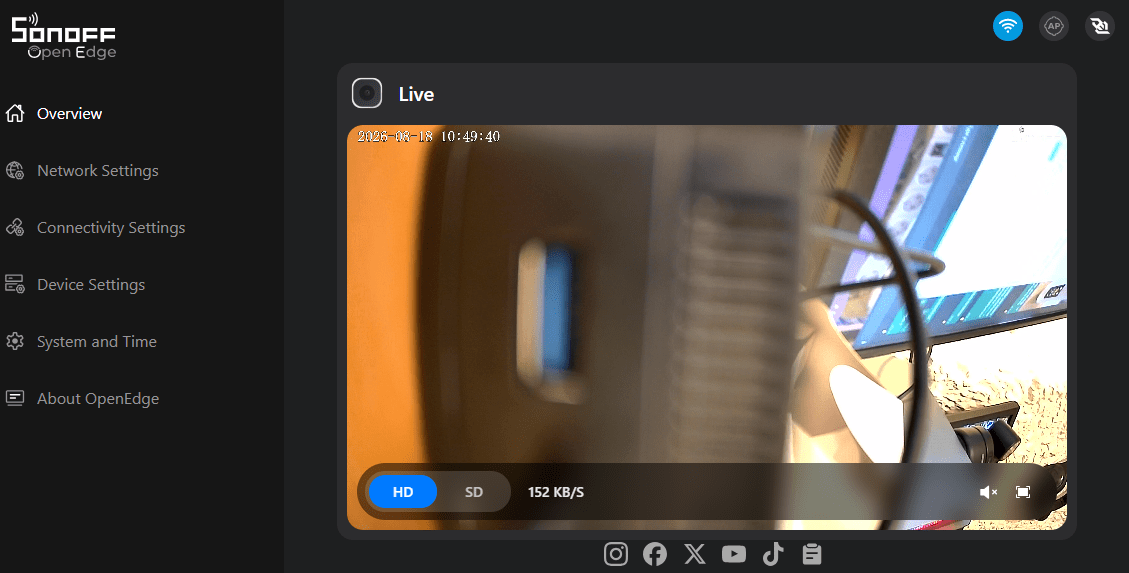
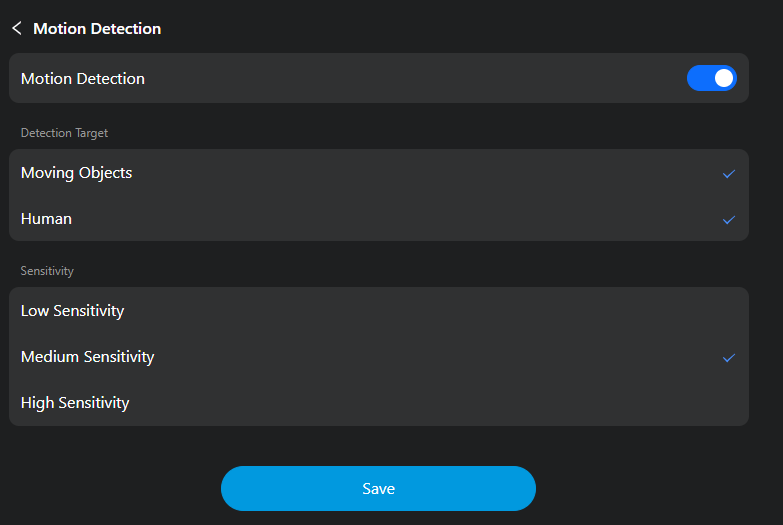
And finally I read this info… Very good, Sonoff:
“SONOFF has launched devices with built-in local web console to address user concerns about cloud privacy, network latency, and platform lock-in. This allows the device configuration to be accessed and controlled via a browser. Additionally, we provide standardized local API interfaces that enable devices to maintain local autonomy while unlocking more advanced features within third-party smart ecosystems.”
Bought one of these but it’s now boxed up for return.
The OVNIF implemention is very flakey and doesn’t play nicely with my Hikvision NVR. I can get it to connect if I jump through some hoops but it doesn’t push motion events to the NVR.
The optical performance isn’t as good as I was expecting also, lots of blurring away from the centre of the image.
The night time performance is impressive though, but not the complete package for me.
I won’t get a chance to check it out, probably until we’re in the UK, where I plan to fit it in a window. But if I get the same problems of blurring that you mention, then I’ll certainly put that in here. Thank you for the feedback.
Will be interesting to see what you make of the optics.
I might buy a higher res cam and print a 3d mount to place the optics against the window glass. If I pick one where the IR leds can be turned off ( not all can ) then that will stop the IR blinding at night.
I’ve got an old Tapo C200 cam and the OVNIF integration is good on that so will see if they have any suitable models for window mount in their range.
At last Sonoff have learnt that people want local control of their devices and we no longer need to flash our own firmware like Tasmota or ESPHome to get local control
Well, not for Sonoff anyway. Sonoff have always made inexpensive devices which generally work great – I think for a little while they went off the boil with that eWeLink APP but then I learned so much about Tasmota thanks to flashing early Sonoff devices as I was determined not to use the app – that’s a good thing – and now they’re back on track it seems – I still use the earliest Sonoff power controllers with Tsamota – I even have their original 4-channel and 4-channel Pro devices – Tasmota’d.